Panel Functions 77
_______________________________________________________________________________________________
_______________________________________________________________________________________________
MICROPLEX Operator’s Manual SOLID F40 Edition 1.1
5.25. Lines per Inch Setting (Line Spacing)
This function sets the number of lines per inch. This setting is effective
only in case of using the printer as a line printer.
With a small number of lines per inch, line spacing will be relatively
large. (Ref. IDOL Programming Manual).
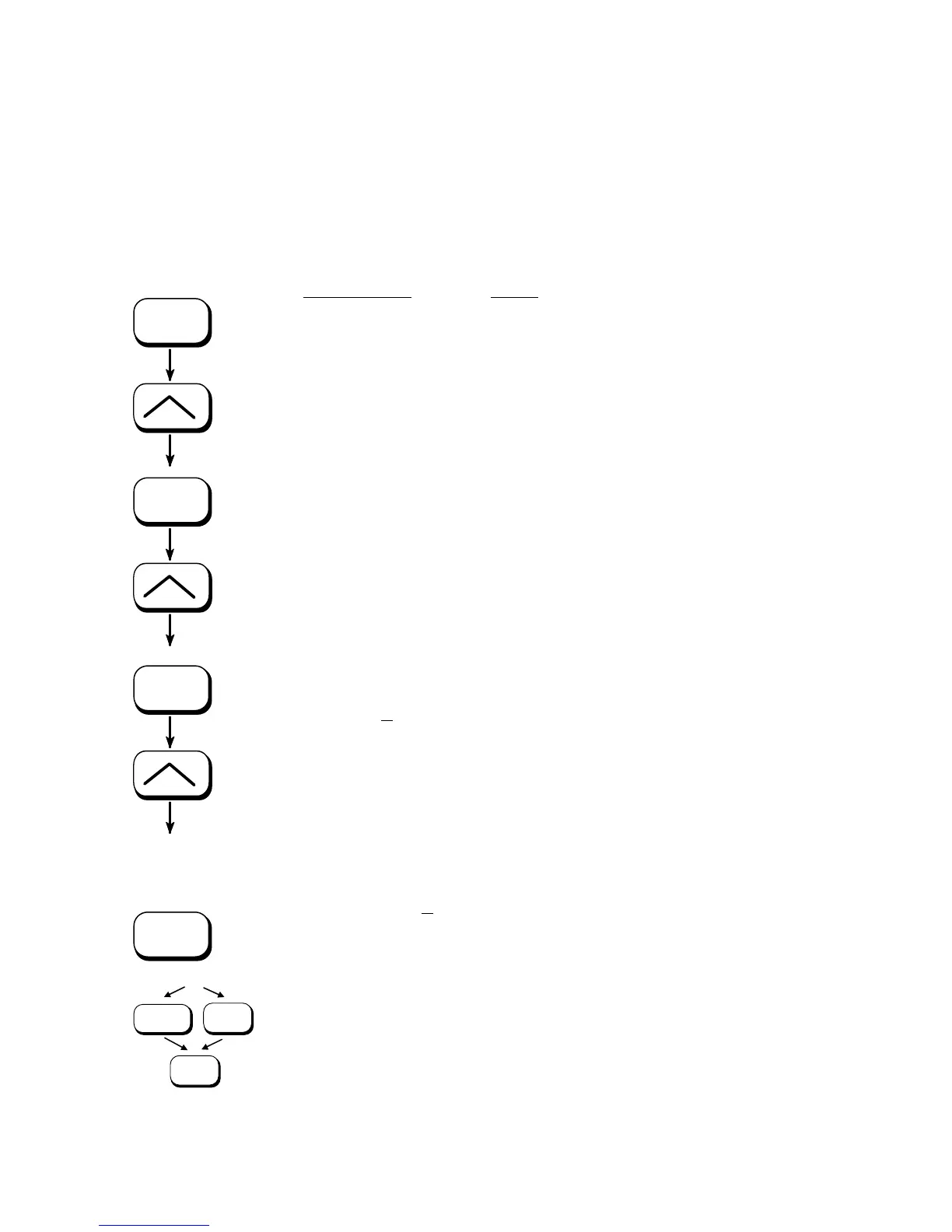
ON LINE
SAVE
SAVE
SAVE
MENU
SAVE
ON LINE
Panel display
[SOLID F40 ]
[Menu Level 1 ]
) ) )
[Page Menu ]
[Font Number
]
) ) )
[Line Spacing ]
[Digit4 0
06.5 ]
) ) )
[Digit1 010.0
]
[Save as Setup? ]
Notes
Turn the printer OFF LINE with this key.
Press one of the ARROW keys until
[Page Menu ] is displayed.
Press one of the ARROW keys until
[Line Spacing ] is displayed.
6.5 lpi = currently set value.
(
lines per inch).
Pressing one of the ARROW keys changes the
value of the current digit (Digit 4 = left
position, in this example: 0). Pressing the
SAVE key moves you to the next digit (the
MENU key moves you back).
The number of lines per inch was increased
to 10 lpi.
In addition this new value can be saved as
setup value (using the SAVE key), before the
printer is turned ON LINE again.



 To Next Page