88 Printer Cleaning
_______________________________________________________________________________________________
_______________________________________________________________________________________________
MICROPLEX Operator’s Manual SOLID F40 Edition 1.1
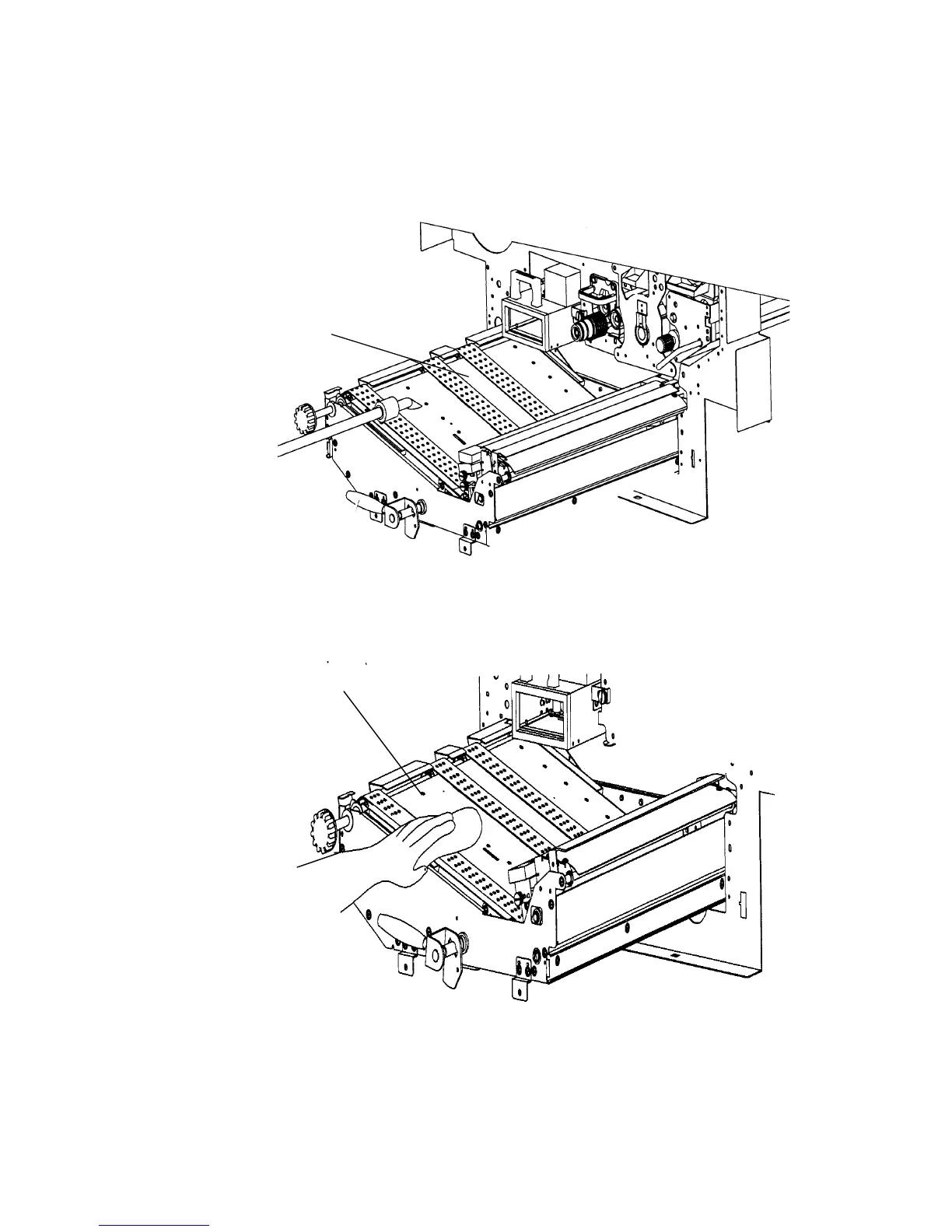
6. Using an anti-static service vacuum cleaner, clean up
toner, paper dust or other particles which may have
accumulated.
Transport unit
7. Wipe off the dirt on the transport surface using a
wet paper towel.
Transport
ath



 To Next Page