90 Printer Cleaning
_______________________________________________________________________________________________
_______________________________________________________________________________________________
MICROPLEX Operator’s Manual SOLID F40 Edition 1.1
6.3. Cleaning the Paper Feed Unit
1. Turn off the SOLID F40 printer and pull the power plug.
2. Remove the paper.
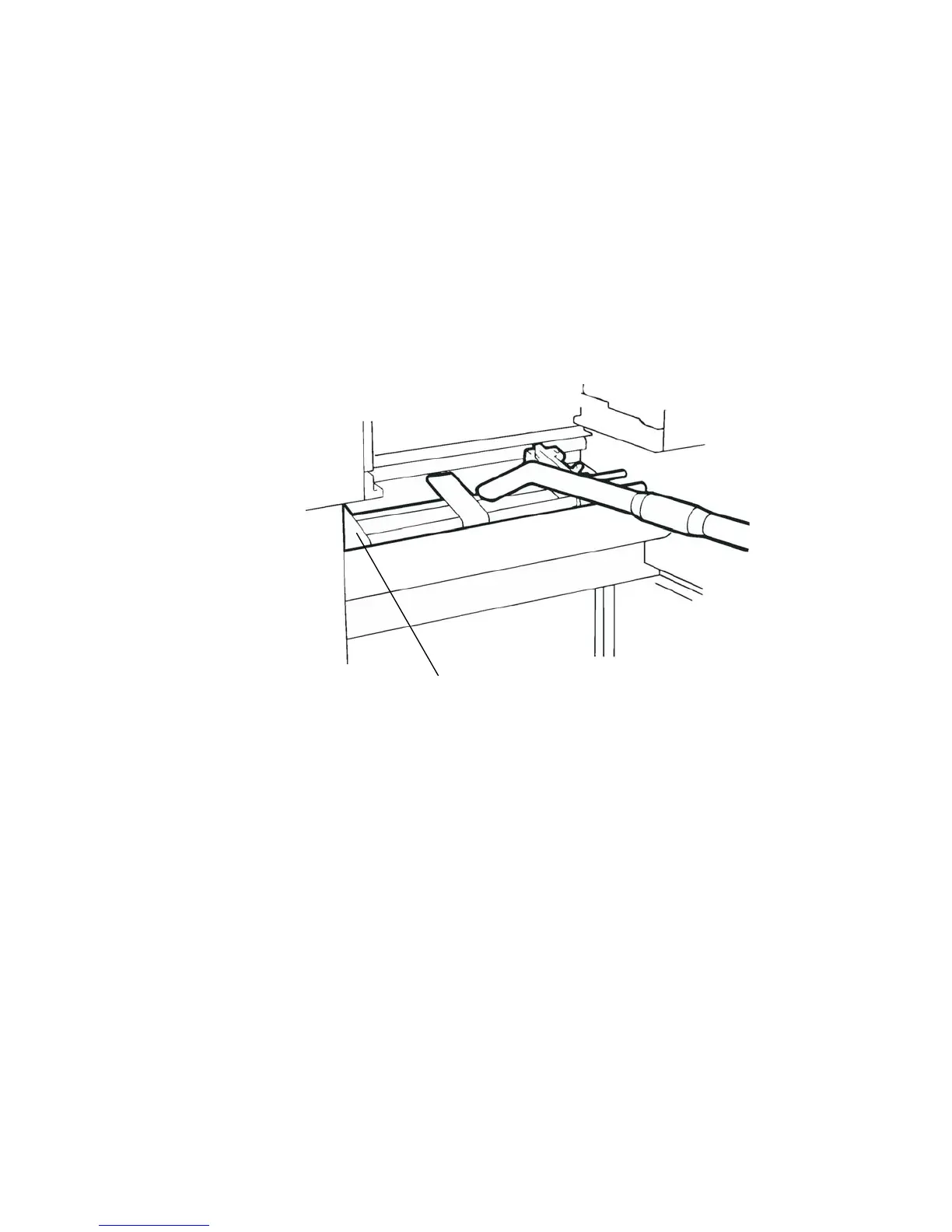
3. Absorb paper dust, sprayed toner etc. from the tractor
and the area around it using an anti-static service vacuum
cleaner.
Tractor
4. Load the paper.



 To Next Page