23 M1179886
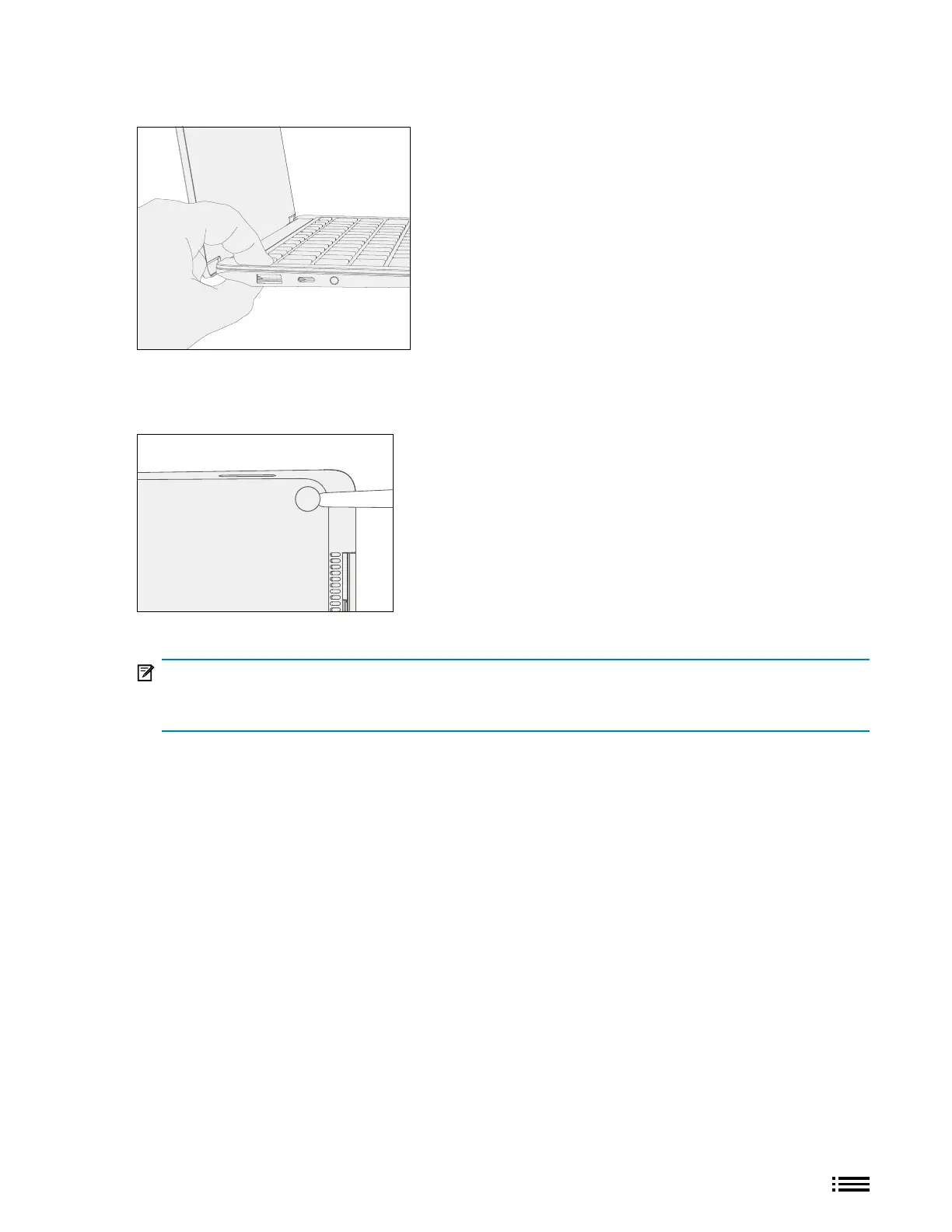
5. Pinch replaced feet – Placing the keyboard and foot between your thumb and index nger as shown, pinch
the foot tightly with your thumb and hold for 20 seconds.
6. Inspect for anomalies – Inspect feet to ensure no cosmetic damage or gaps between the feet and the
D-bucket exist.
a. If gap exists, use a feeler gauge to verify gap is smaller than 0.05 mm. If gap is larger, replace foot.
7. Run SDT – Run SDT to ensure all device features and functions operate as expected.
IMPORTANT: Before transporting the device, we recommend letting it sit feet-down on a tabletop for
at least 12 hours. If this isn’t possible, it’s recommended to avoid placing the device in a backpack, purse,
other types of carriers, until at least 12 hours after installing new feet.










 To Next Page