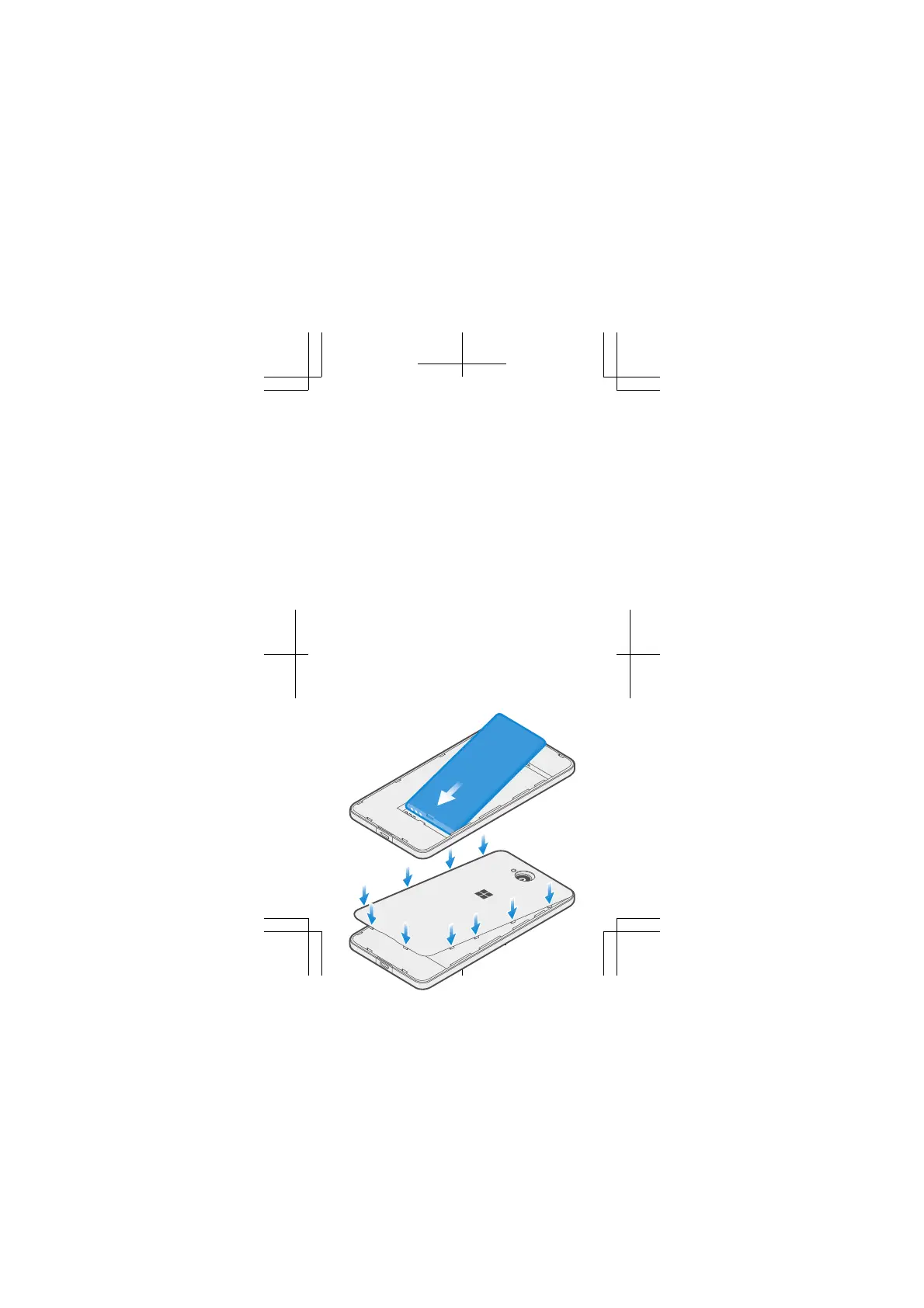
Replace the battery and back cover
1. Line up the battery contacts, and put the battery
in.
2. Press the top edge of the back cover against the
top edge of your phone, and snap the cover into
place, locking all the hooks around the edges of the
cover.















 To Next Page