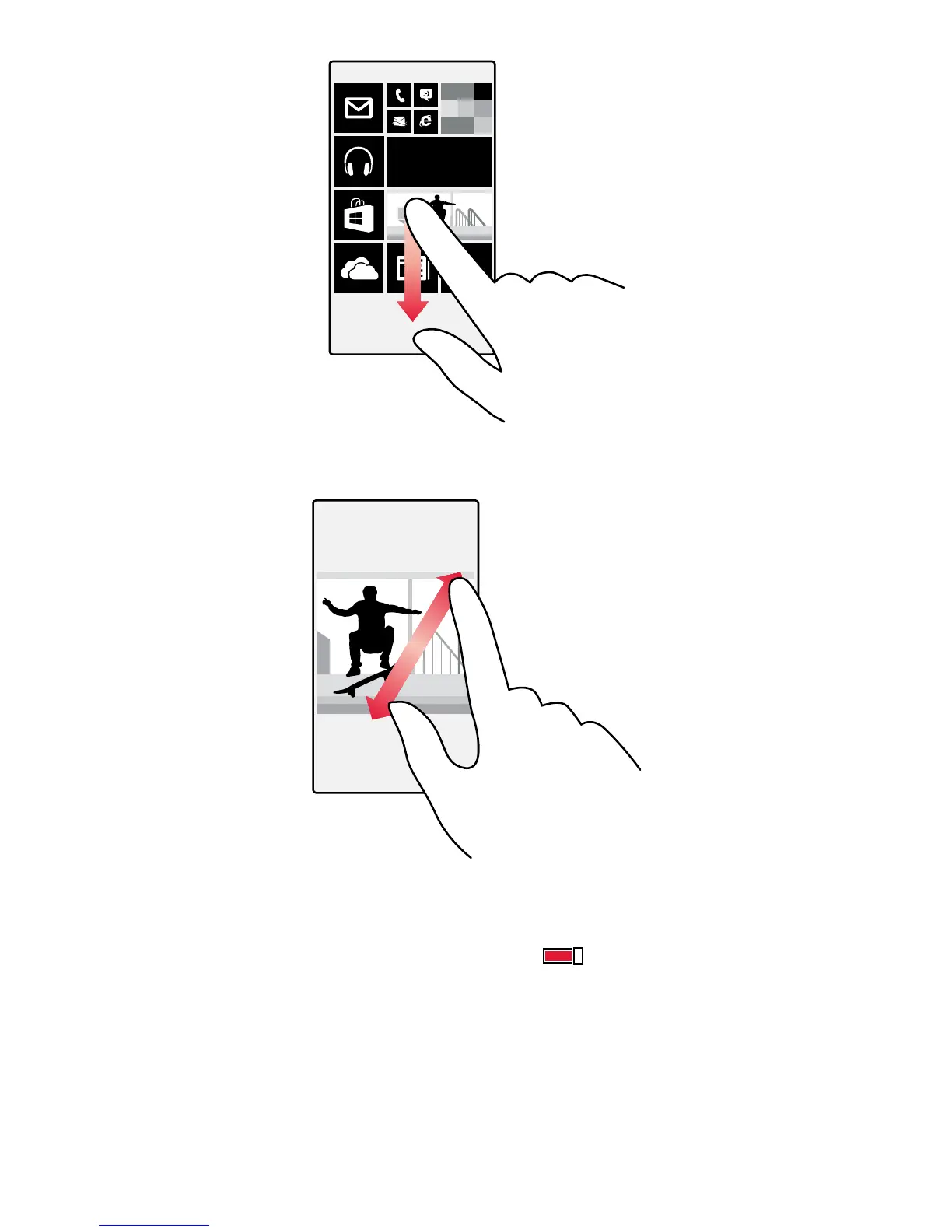
Zoom in or out
Place 2 fingers on an item, such as a map, photo, or web page, and slide your fingers apart or together.
Lock the screen orientation
The screen rotates automatically when you turn the phone 90 degrees. To lock the screen in its
current orientation, on the start screen, swipe down from the top of the screen, and tap ALL
SETTINGS > screen rotation. Switch Rotation lock to On
.
Screen rotation may not work in all apps or views.
© 2015 Microsoft Mobile. All rights reserved.
22














 To Next Page