Tip: To update the screen automatically, tap auto update in the Lumia Beamer app.
5. To stop sharing, press the lock key, or in the Lumia Beamer app, tap stop beaming.
FM radio
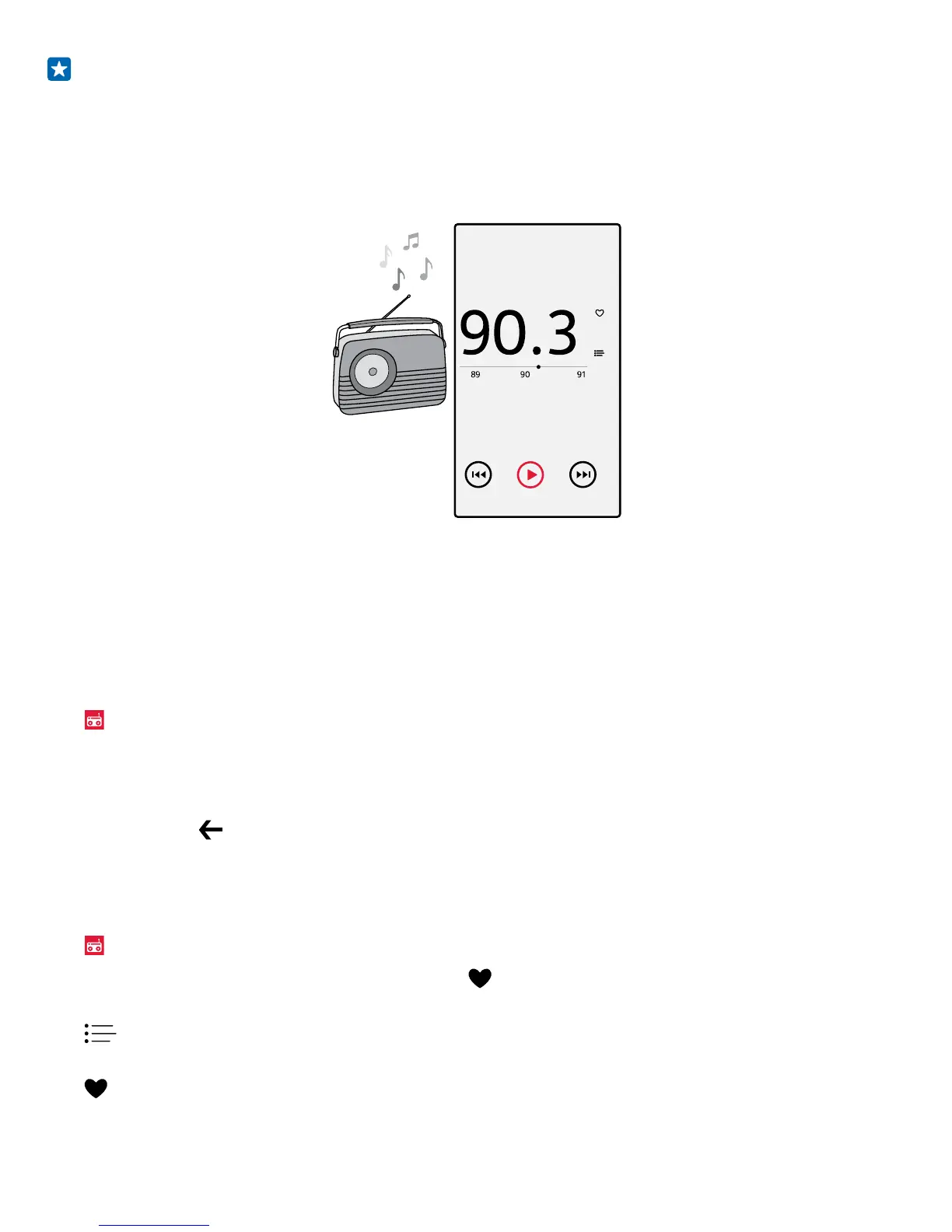
Learn how to listen to the radio on your phone.
Listen to FM radio
Enjoy your favorite FM radio stations on the go.
To listen to the radio, you need to connect a compatible headset to the device. The headset acts as
an antenna.
The headset may be sold separately.
Tap
FM Radio.
Go to the next or previous station
Swipe left or right on the frequency bar.
Close the FM radio app
Tap the back key
.
Save a radio station
Save your favorite radio stations so you can easily listen to them later.
Tap
FM Radio.
To save the station that you are listening to, tap
.
View your saved stations list
Tap
.
Remove a station from the list
Tap
.
© 2015 Microsoft Mobile. All rights reserved.
93














 To Next Page