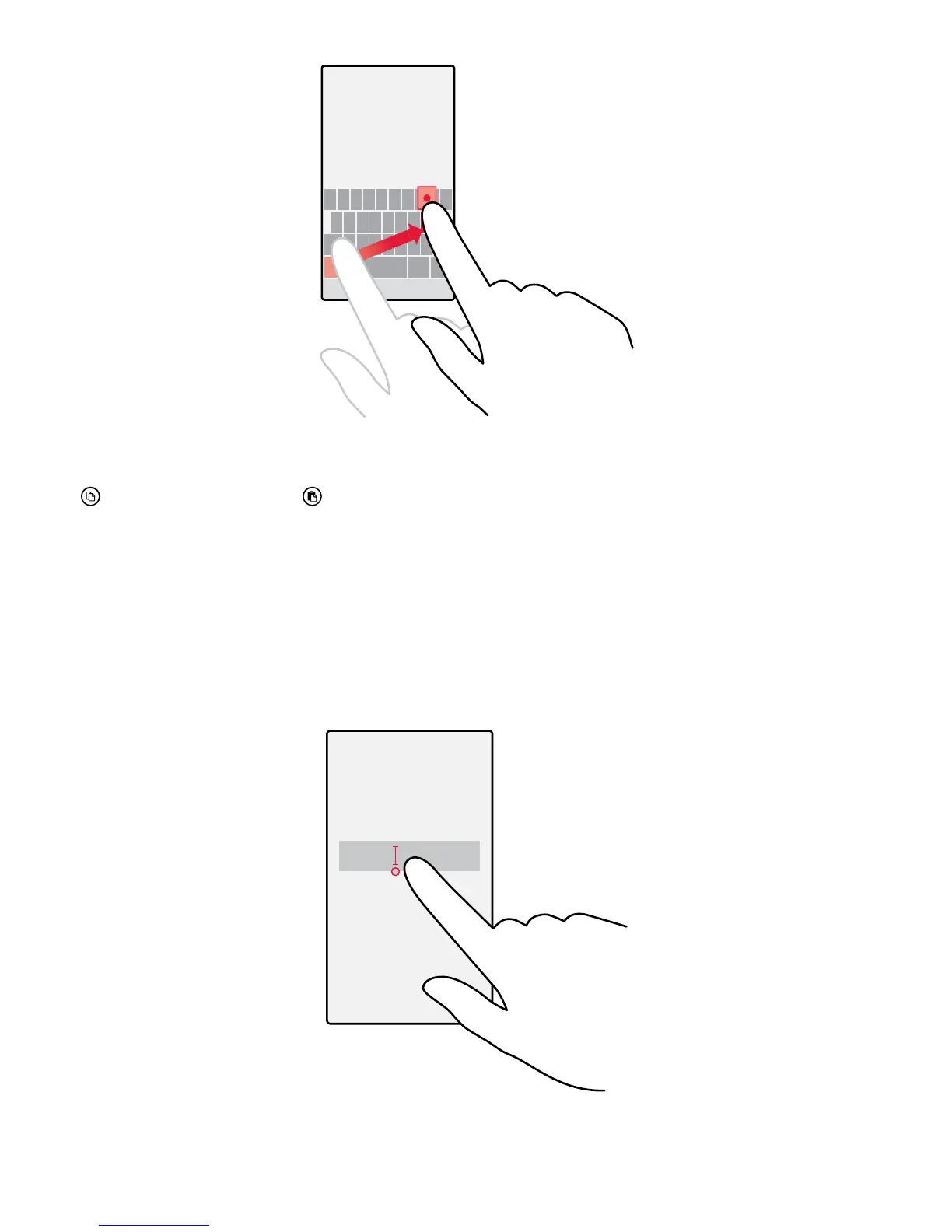
Copy or paste text
Tap a word, drag the circles before and after the word to highlight the section you want to copy, and
tap
. To paste the text, tap .
Add an accent to a character
Tap and hold the character, and tap the accent or the accented character, if supported by your
keyboard.
Delete a character
Tap the backspace key.
Move the cursor
To edit a word you just wrote, tap and hold the text until you see the cursor. Drag the cursor to the
place you want.
© 2015 Microsoft Mobile. All rights reserved.
49















 To Next Page