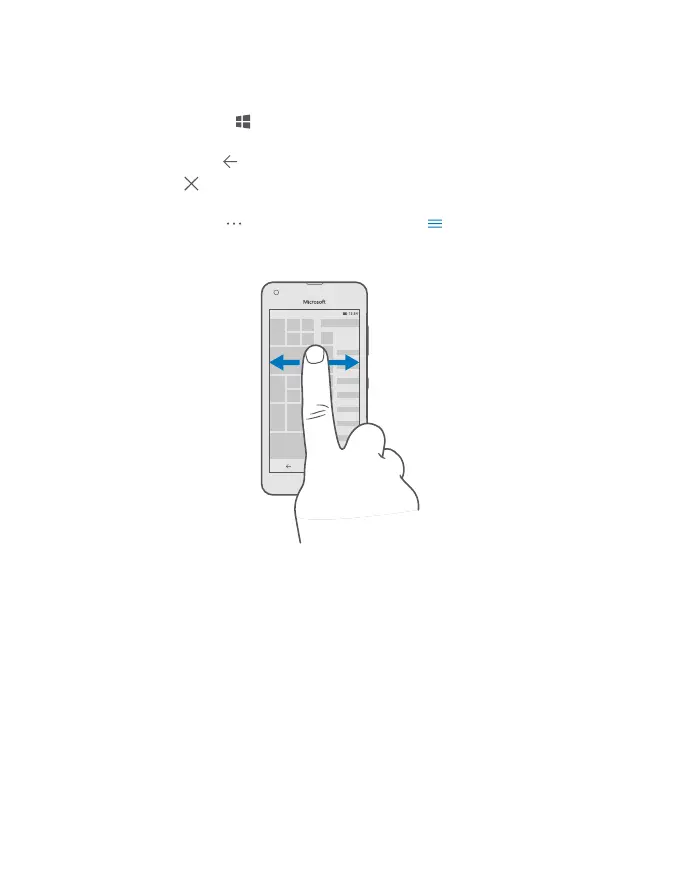
Navigate by touch
Go back to the start screen
In any view, tap the start key
.
Switch between open apps
Tap and hold the back key
, and choose the app you want.
To close an app, tap
.
Check the available options
Depending on the app, tap
at the bottom right corner or at the top left corner.
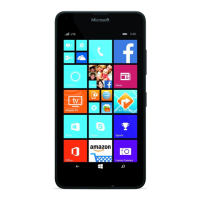
Discover all your apps
On the start screen, swipe left to see the apps menu. To go back, swipe right.
View notifications and access settings
To quickly view missed calls and unread emails and messages, and to access settings, open
the action center. Place a finger at the top of the screen, and slide it down.
© 2015 Microsoft Mobile. All rights reserved.
9









 To Next Page