Page 11 of 87
XBOX VERSION DETECTION
IMPORTANT: Make sure you always start this guide with step 1
STEP 1
Check which brand of Video Chip you have (v1.0/v1.1/v1.2v/1.3 - v1.4/v1.5 - v1.6)
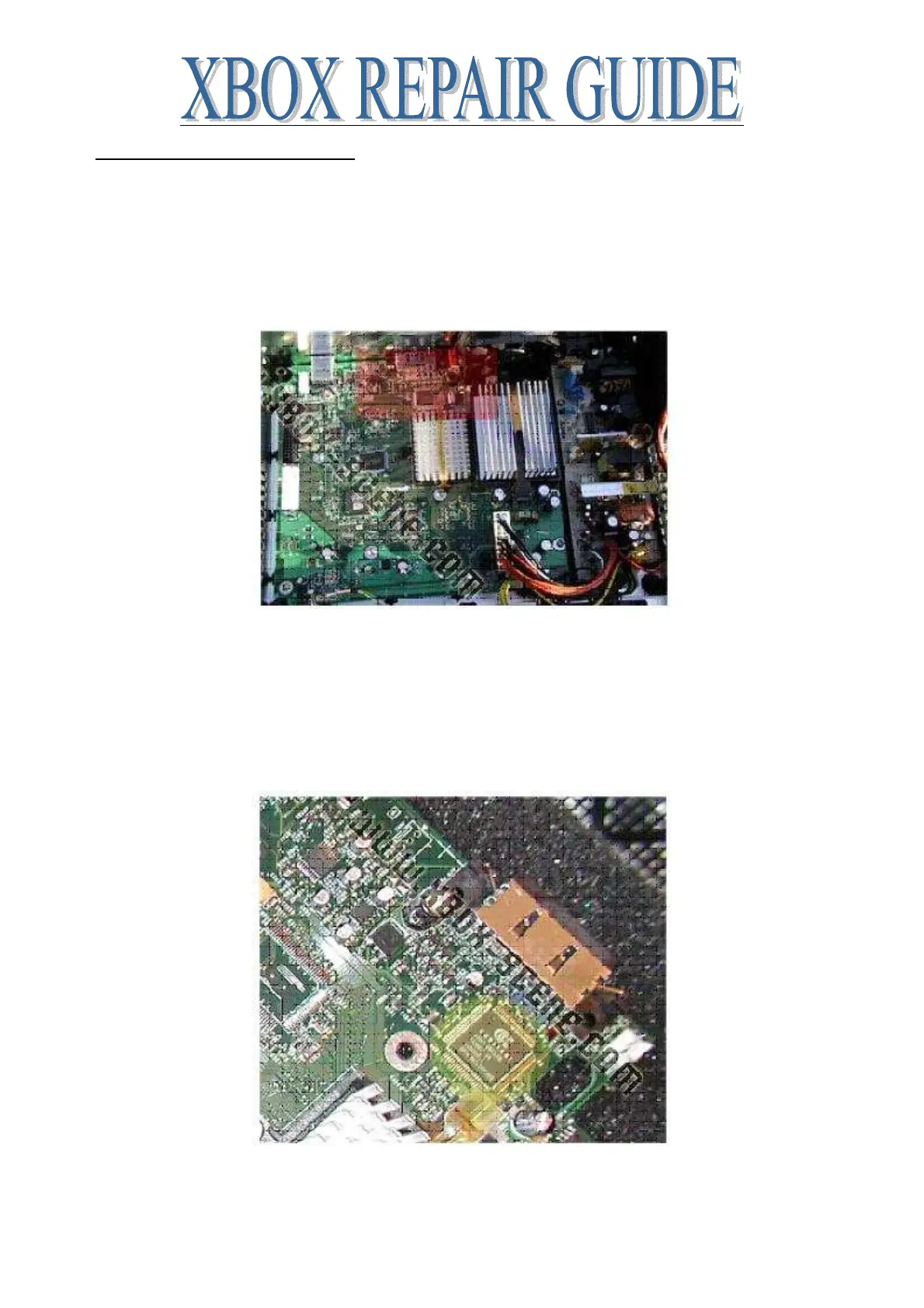
LOCATION of Video Chip on motherboard (same on all versions)
The video chip is located in the red square area
Now check what brand of video chip you have (click picture that matches your Xbox)
IMAGE1: 'Conexant' written on your video chip














 To Next Page