Page 55 of 87
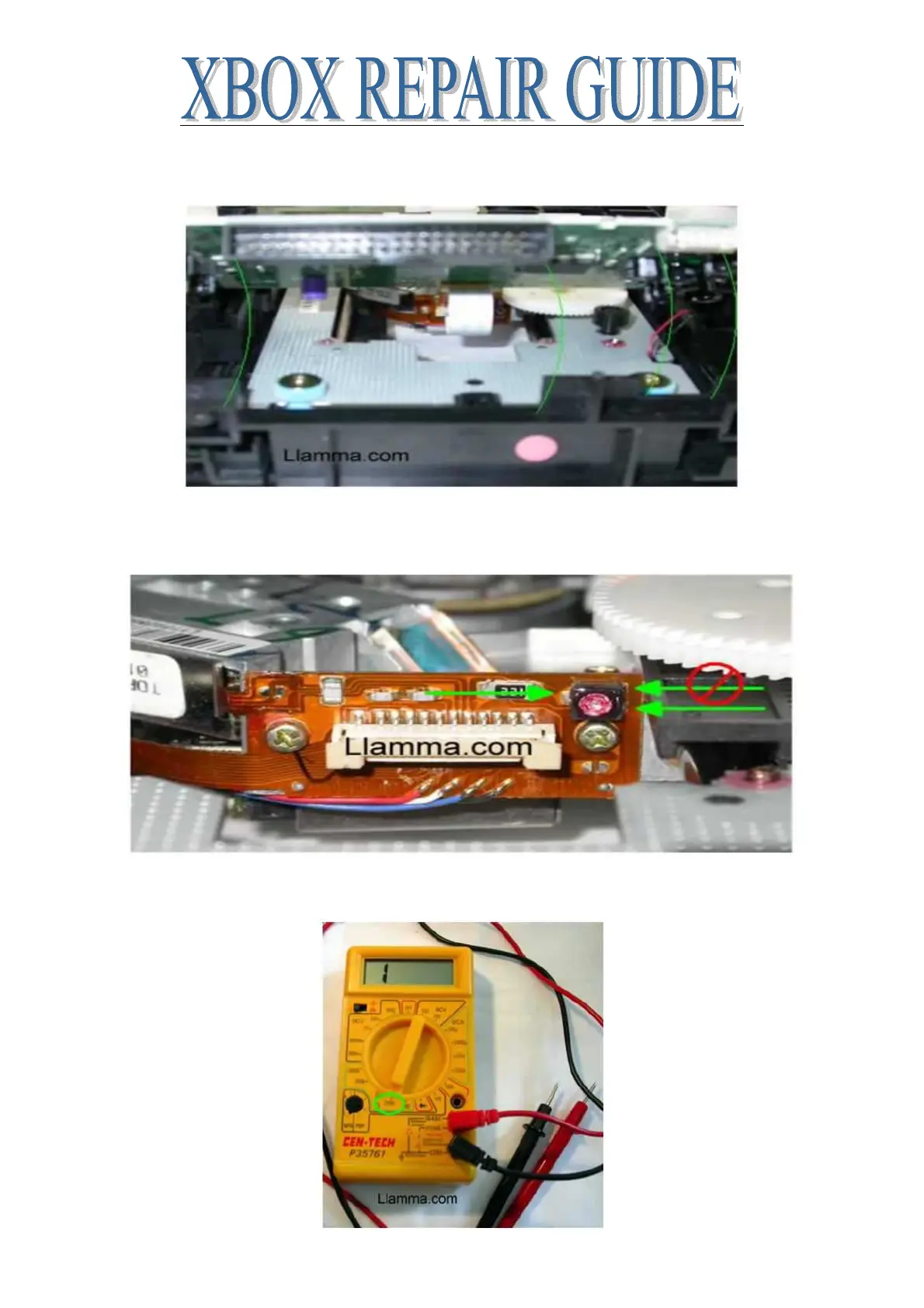
For the purposes of this tutorial I have removed the ribbon cables to get better shots of the laser,
this is not necessary for adjusting the pot
Looking at the Pot we see 3 contacts. Position the drive so the single contact is on your left, the
one to measure from on the right is the lower one. (You can also use the screw itself in place of
the contact on the left; they are the same for our measuring purposes)
Get a measurement to start from, set your Multimeter to 2000 on the impedance setting, looks like
little headphones














 To Next Page