DOWN button to turn VOX On or Off.
3. When your desired VOX Mode setting
is displayed, choose one of the
following:
a. Press the MODE button to enter the
setting and proceed to other
functions.
b. Press the ENTER button to enter the setting and return to
LISTENING MODE.
c. Do not press any buttons for fifteen (15) seconds to
enter the setting and return to LISTENING MODE.
To Set the VOX Sensitivity Level:
1. Press the MODE button until the VOX
icon flashes and the current sensitivity
level is shown on the display.
The current sensitivity level is displayed
with the letter “L” and a number 1 to 5,
5 being the most sensitive level and
1 being the least sensitive level.
2. Press the CHANNEL UP or CHANNEL
DOWN button to change the sensitivity
level.
3. When your desired VOX sensitivity level
is displayed, choose one of the
following:
a. Press the MODE button to enter the
setting and proceed to other
functions.
b. Press the ENTER button to enter the setting and return to
LISTENING MODE.
c. Do not press any buttons for fifteen (15) seconds to
enter the setting and return to LISTENING MODE.
To Select a DCS Code:
1. After selecting a channel, press and
release the MODE button until the DCS
icon and current setting (the small
numbers next to the channel number or
Off) flash on the display.
2. Press the CHANNEL UP or CHANNEL
DOWN button to either:
a. Select a DCS code number.
b. Turn DCS Code mode On and select
a DCS code
number (00 to
83).
You can press and
hold the CHANNEL
UP or CHANNEL
DOWN button for fast advance through
DCS code numbers.
3. When your desired DCS code number is
displayed, choose one of the following:
a. Press the MODE button to enter the DCS code number
and proceed to other functions.
b. Press the ENTER button to enter the DCS code number
and return to LISTENING MODE.
c. Do not press any buttons for fifteen (15) seconds to
enter the DCS code number and return to LISTENING
MODE.
Voice Activated Transmit
(VOX)
In VOX Mode, your microTALK
®
radio can
be used “hands-free,” automatically
transmitting when you speak. You can set
the VOX sensitivity level to fit the volume of your voice and
avoid transmissions triggered by background noise.
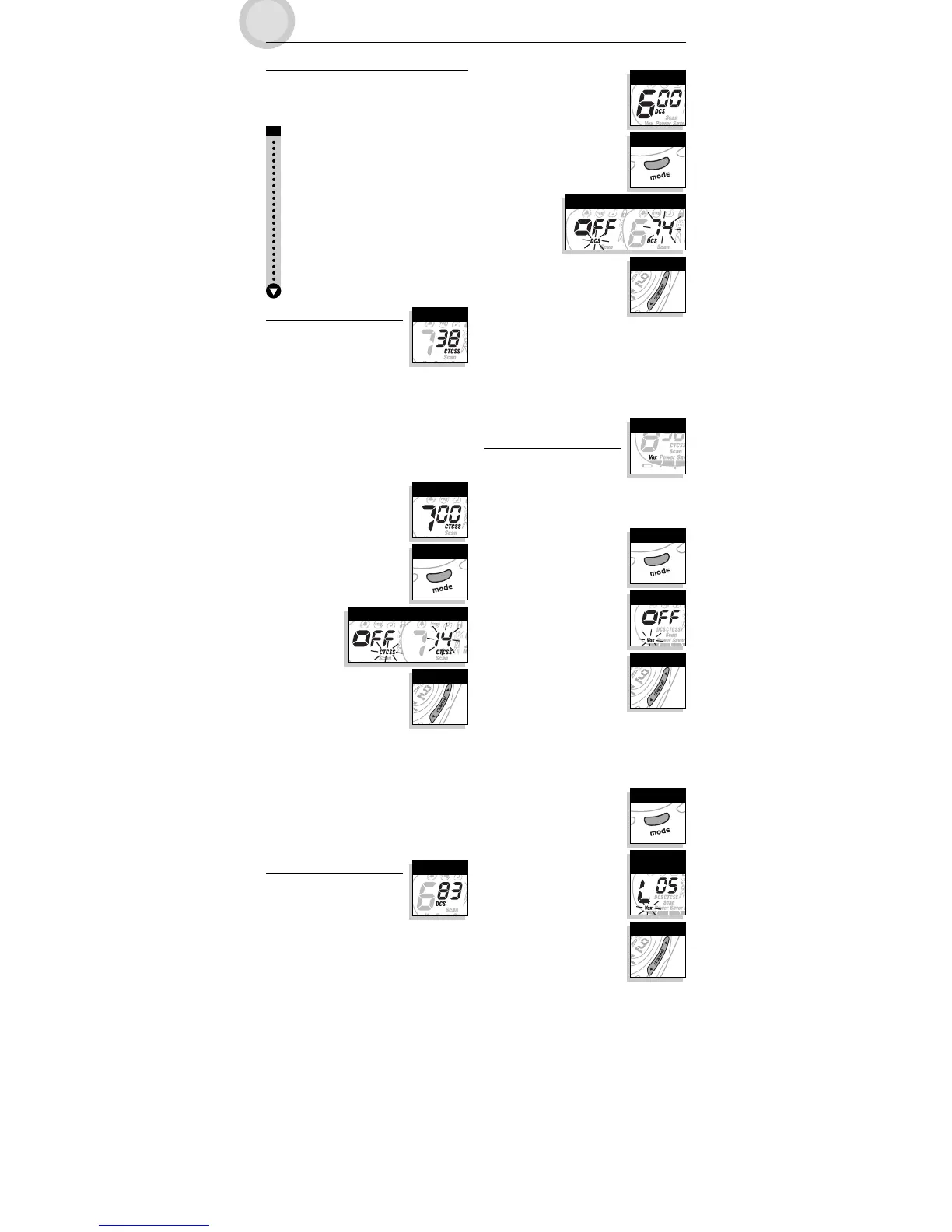
To Turn VOX Mode On or Off:
1. Press the MODE button until the VOX
icon flashes on the display. The current
On or Off setting is shown on the
display.
2. Press the CHANNEL UP or CHANNEL
and select a
CTCSS privacy
code number
(00 to 38).
You can press and hold the CHANNEL
UP or CHANNEL DOWN button for fast
advance through CTCSS privacy code
numbers.
3. When your desired CTCSS privacy code number is displayed,
choose one of the following:
a. Press the MODE button to enter the CTCSS privacy code
number and proceed to other functions.
b. Press the ENTER button to enter the CTCSS privacy code
number and return to LISTENING MODE.
c. Do not press any buttons for fifteen (15) seconds to
enter the CTCSS privacy code number and return to
LISTENING MODE.
DCS Codes
DCS (Digitally Coded Squelch) is an
advanced digital coding system allowing
you to select one of 83 DCS codes to
reduce incoming transmissions from other
users on a channel.
NOTE: If you are using a DCS code, both radios must be tuned
to the same channel/DCS code to communicate. Each
channel will remember the last DCS code you selected.
IMPORTANT: When using DCS Codes, CTCSS Privacy Codes
cannot be used.
Scrolling Through the Mode Functions
By scrolling through the Mode Functions, you will be able to
select or change preferred features of your microTALK
®
radio.
While you are scrolling through the Mode Functions, your radio
features will be displayed in the same predetermined order:
Set CTCSS Privacy Codes
Set DCS Codes
Set VOX On/Off
Set VOX Sensitivity Level
Program or Recall Memory Locations
Set Channel Scan
Set CTCSS Privacy Code Scan
Set DCS Code Scan
Set Memory Location Scan
Set VibrAlert
®
and/or Call Alert
Program Dual Watch Location or Set Dual Watch On/Off
Set Call Tones
Set “Roger Beep” On/Off
Set Keystroke Tones On/Off
CTCSS Privacy Codes
CTCSS (Continuous Tone Coded Squelch
System) is an advanced tone coding
system allowing you to select one of 38
CTCSS privacy codes to reduce incoming
transmissions from other users on a channel.
NOTE: If you are using a CTCSS privacy code, both radios must
be tuned to the same channel/privacy code to
communicate. Each channel will remember the last
CTCSS privacy code you selected.
IMPORTANT: When using CTCSS Privacy Codes, DCS Codes
cannot be used.
To Select a CTCSS Privacy Code:
1. After selecting a channel, press and
release the MODE button until the
CTCSS icon and current setting (the
small numbers next to the channel
number or Off) flash on the display.
2. Press the CHANNEL UP or CHANNEL
DOWN button to either:
a. Select a CTCSS privacy code number.
b. Turn CTCSS Privacy Code mode On
Privacy Codes
Channel Buttons
Mode Button
Current Setting
Select Channel
Channel Buttons
Mode Button
DCS Codes
Current Setting
Select Channel
Select On/Off
Mode Button
Channel Buttons
VOX Icon
Select VOX
Sensitivity Level
Channel Buttons
Mode Button
MODE FUNCTIONS OPERATION
English


 To Next Page
 Loading...