Microtech S.r.l
e-tab Style
11
If the device is not used for the specied time period or
the power button is pressed briey, the screen turns off
and display lock is activated.
Pressing for a short time the power button will reactivate
the screen.
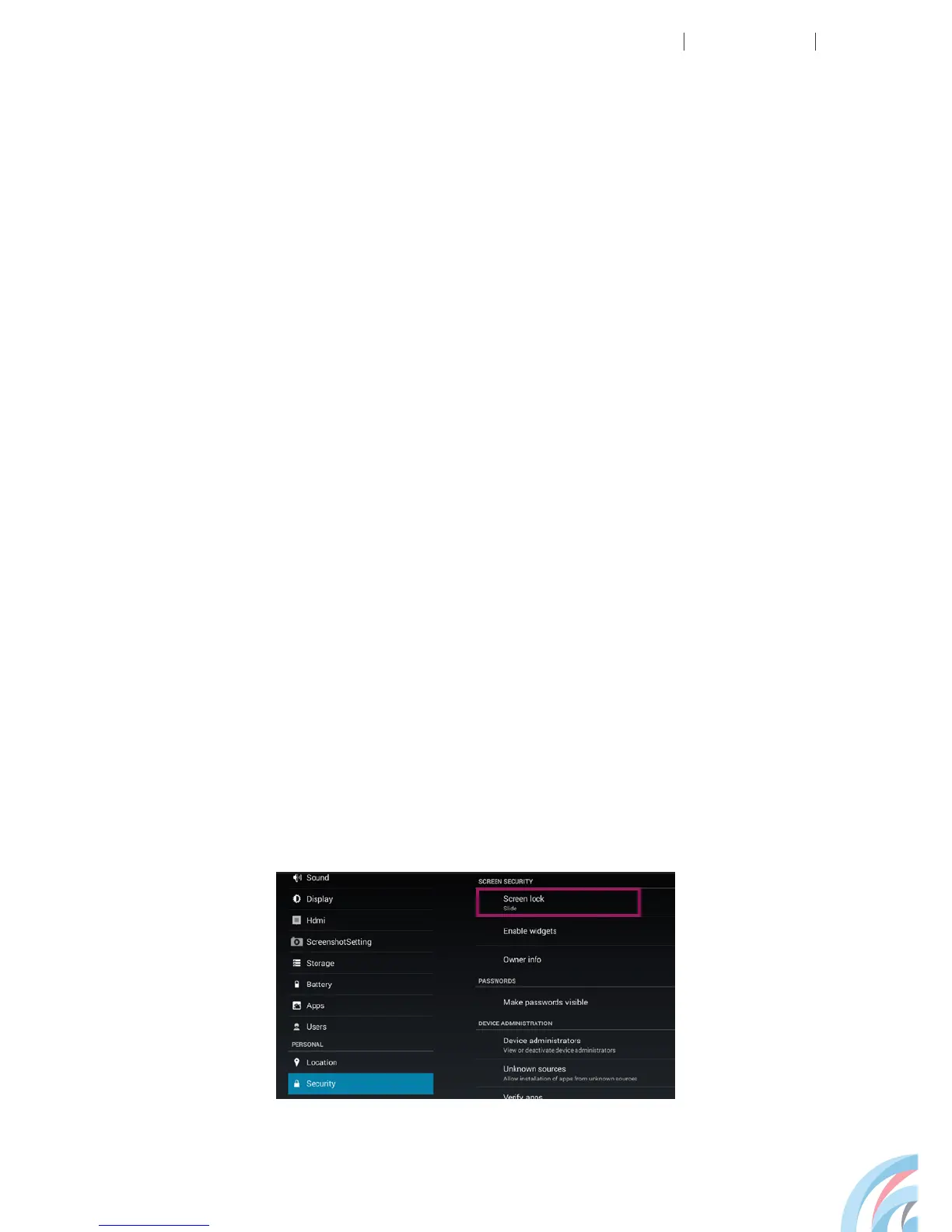
LOCK SCREEN
LOCK SCREEN WITH SMILE
You can unlock the device automatically using face
recognition.
To enable this feature you need to configure the system
to recognize your face and associate a sequence or a pin.



 To Next Page