10
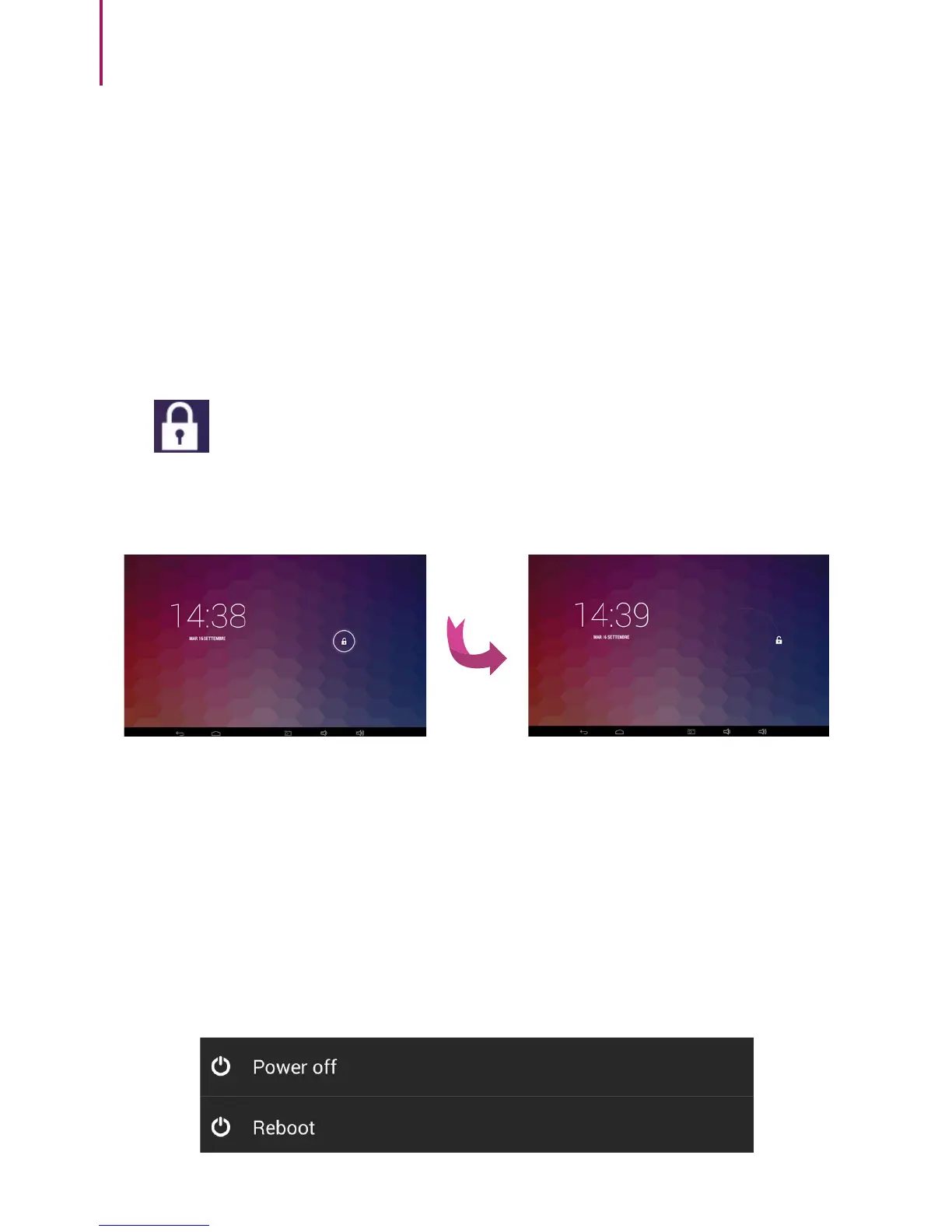
To start your e-Tab Style press and hold the power button.
Once the screen is active, move your nger on the lock
icon next to the circle that will appear on the
screen to unlock it.
START/POWER OFF
To turn off the tablet press and hold the start button until
you see a window that asks you if you want to turn it off.
To lock the tablet switch in stand-by mode, press and
immediately release the power button.



 To Next Page