Microtech S.r.l
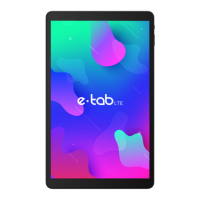
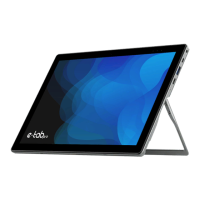
e-tab Style
9
1. ESC
Press to return to the previous screen
application.
Press and hold to start e-tab. Touch for short
periods to lock or unlock the screen.
2. Power and
lock
Used to charge the battery via the included power
supply.
3-Jack
charge
To connect the TV via HDMI cable (optional).
4-HDMI
Microphone
5-MIC
Used for data trafc to and from your computer (e.g.,
music, videos, photos).
6- USB-data
Used for USB OTG, mouse, keyboard, USB stick with
special converter.
7-USB HOST
Used to connect headphones.
8-Headphone
Jack
Insert here your Micro SD (maximum capacity 32 GB).
9-TF card slot
2 MPixels.
10- Front
camera
It improves the brightness of the screen depending on the
environmental conditions.
11- Light sensor
8Mpixels with LED ash and autofocus
12- Rear
camera
AAC Speaker
13- Left speaker
AAC Speaker
14- Right speaker



 To Next Page