3
4 4
3
2
1 1
2
Channel description:
6 channels, the signal range is 1000-2000us (the value will increase or decrease 0-120 in the
case of adding a fine-tuning value).
Left handed mode:
The left and right joysticks are channel 1, and the up and down are channel 2; the left and right
joysticks are channel 4, and the up and down are channel 3; as shown in the figure below.
3
4 4
3
2
1 1
2
Right-handed mode:
The left and right of the right joystick are channel 1; the up and down are channel 3; the left
and right joystick are channel 4; the up and down are channel 2; as shown in the figure
below.
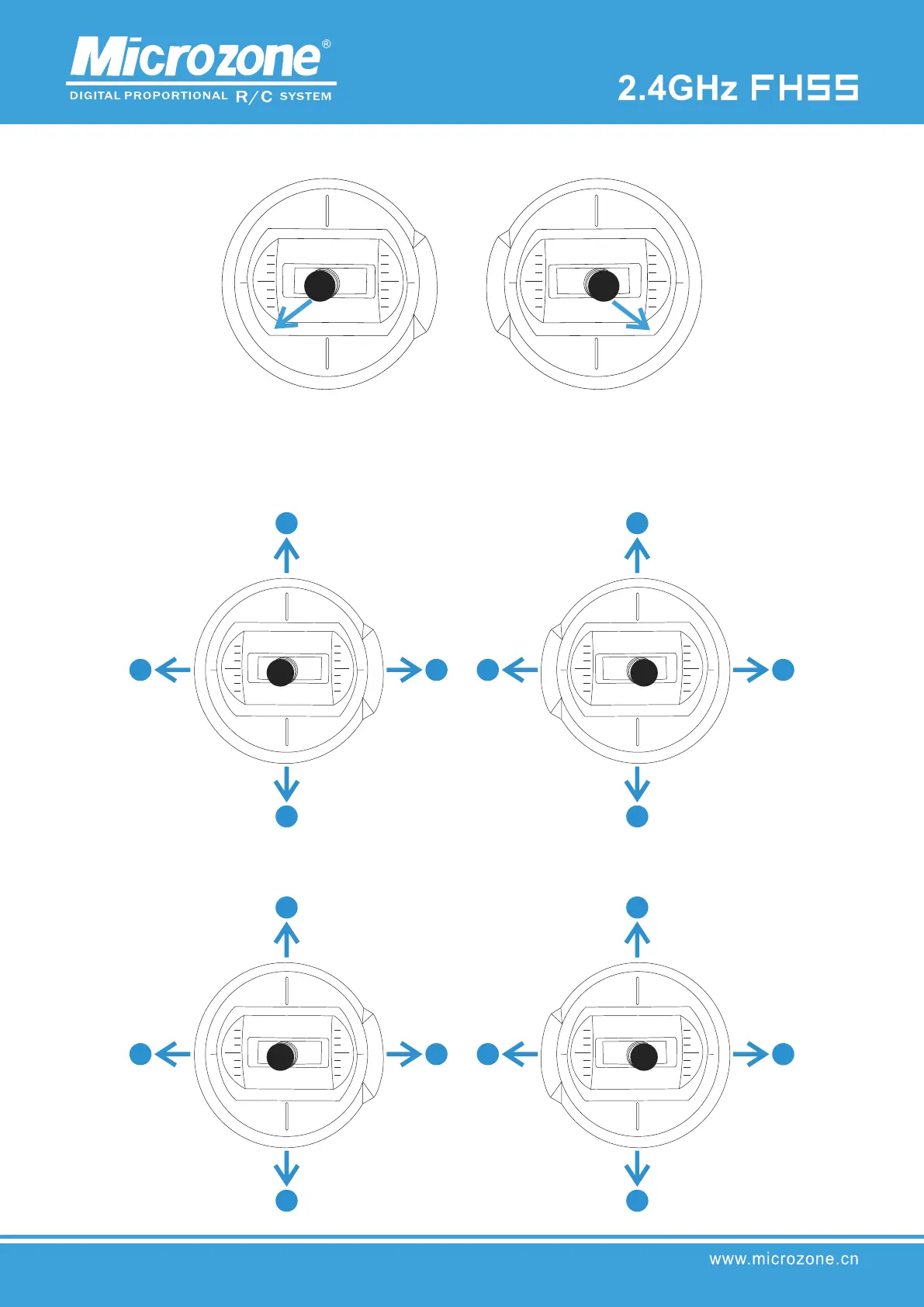
Pull the left joystick to the lower left corner, and pull the right joystick to the lower
right corner, as shown in the figure below, and at the same time turn on the power of
the remote control to complete the switch between left and right hands.



 To Next Page