27
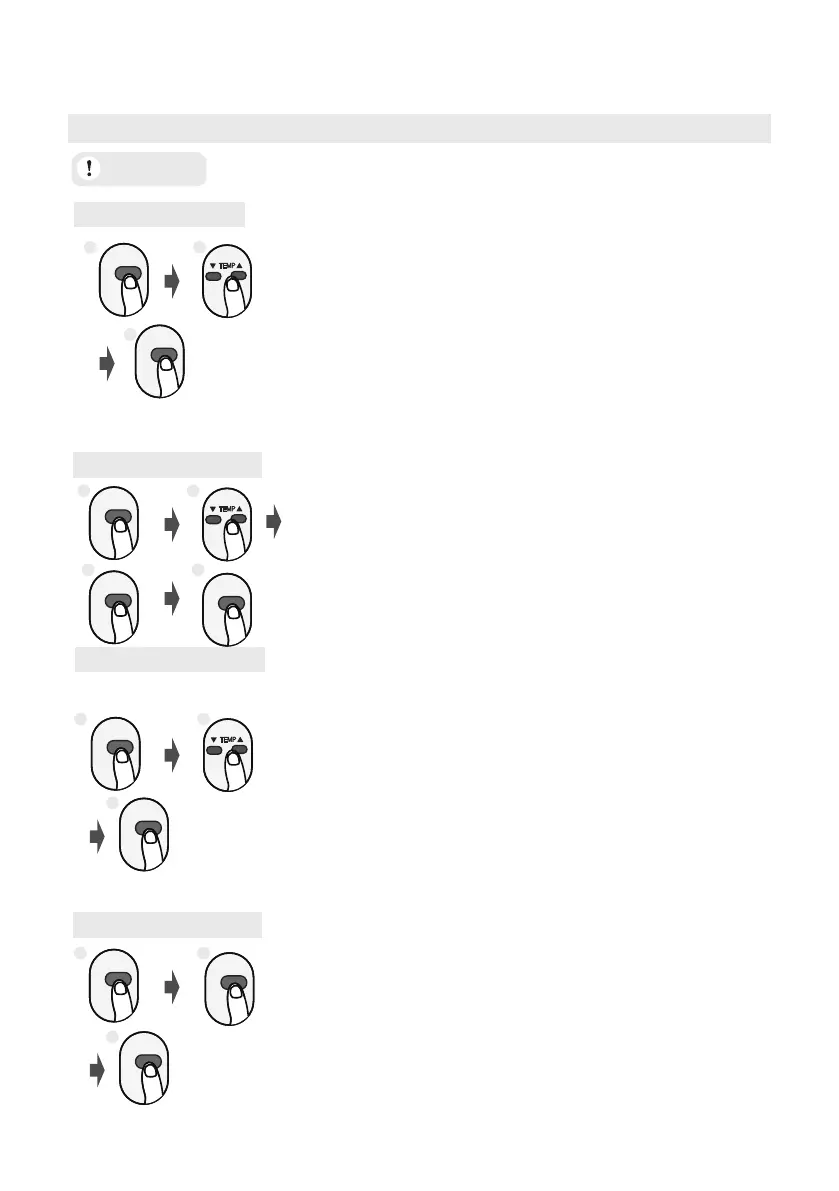
AUTO Mode
COOL Mode
DRY Mode
MODE
1. Select AUTO mode
2. Set your desired temperature
NOTE:
1. In AUTO mode,
the unit will automatically
select the COOL, or FAN function based on
the set temperature.
2. In AUTO mode, fan speed can not be set.
ON/OFF
3. Turn on the air conditioner
MODE
ON/OFF
1. Select DRY mode
2. Set your desired temperature
3. Turn on the air conditioner
FAN Mode
1. Select FAN mode
3. Turn on the air conditioner
1. Select COOL mode
2. Set the temperature
MODE
FAN SPEED
ON/OFF
4. Turn on the air conditioner
3. Set the fan speed
MODE
ON/OFF
FAN SPEED
2. Set the fan speed
NOTE: In DRY mode, fan speed can not be
set since it has already been automatically
controlled.
NOTE: In FAN mode, you can’t set the
temperature. As a result , no temperature
displays in remote screen.
Before operation, please ensure the unit is plugged in and power is available.
ATTENTION
How to Use Basic Functions
1 2
3
1 2
3 4
1 2
3
1 2
3



 To Next Page