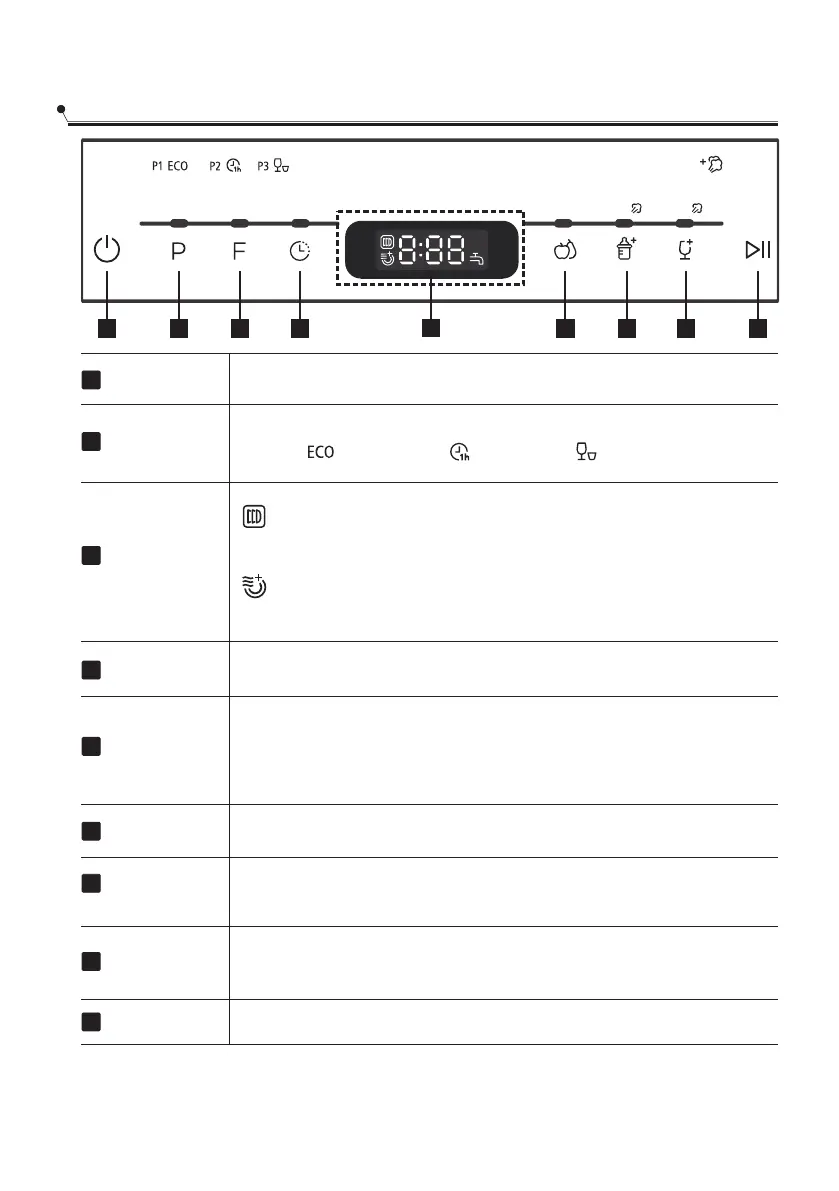
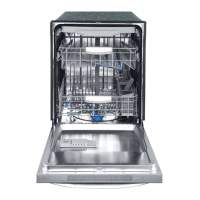
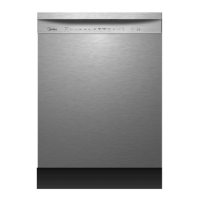
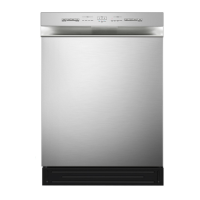
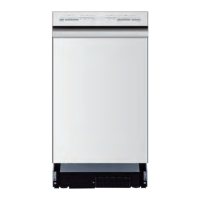
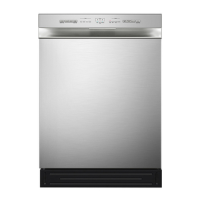
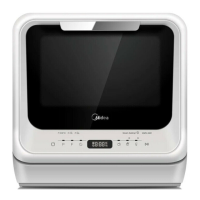
Control panel
Power
1
Function
3
To turn on and off.
Program Button: Press the button to select wash cycles
P1(ECO ) -P2 (1 hour ) -P3 (rapid ). ECO(Steam Adding)
Delay
2
1
2 3 4 5 6 7 8
9
Program
Storage
Get rid of the smell, damp and mildew proofing.
Extra dry
To select the extra dry function.
4
To show the delay time 00~24h.
Fruit wash
5
Hot water: Suitable for washing fruit surfaces of a certain size,
such as apple, grape, jujube.
Cold water: Suitable for fruits with a weak surface, such
as strawberries.
Baby care
6
Suitable for washing baby bottles. Steam wash function)(
Glass wash
7
For lightly soiled loads, such as glasses, crystal and fine
china. (Steam wash function)
Start/Pause
8
Press this button to start or pause the dishwasher, the process
pilot lamp will be blinking when starting.
Display
9
Displays the time, functions,etc.
11
Steam Wash


 To Next Page