OPERATION INSTRUCTIONS
34
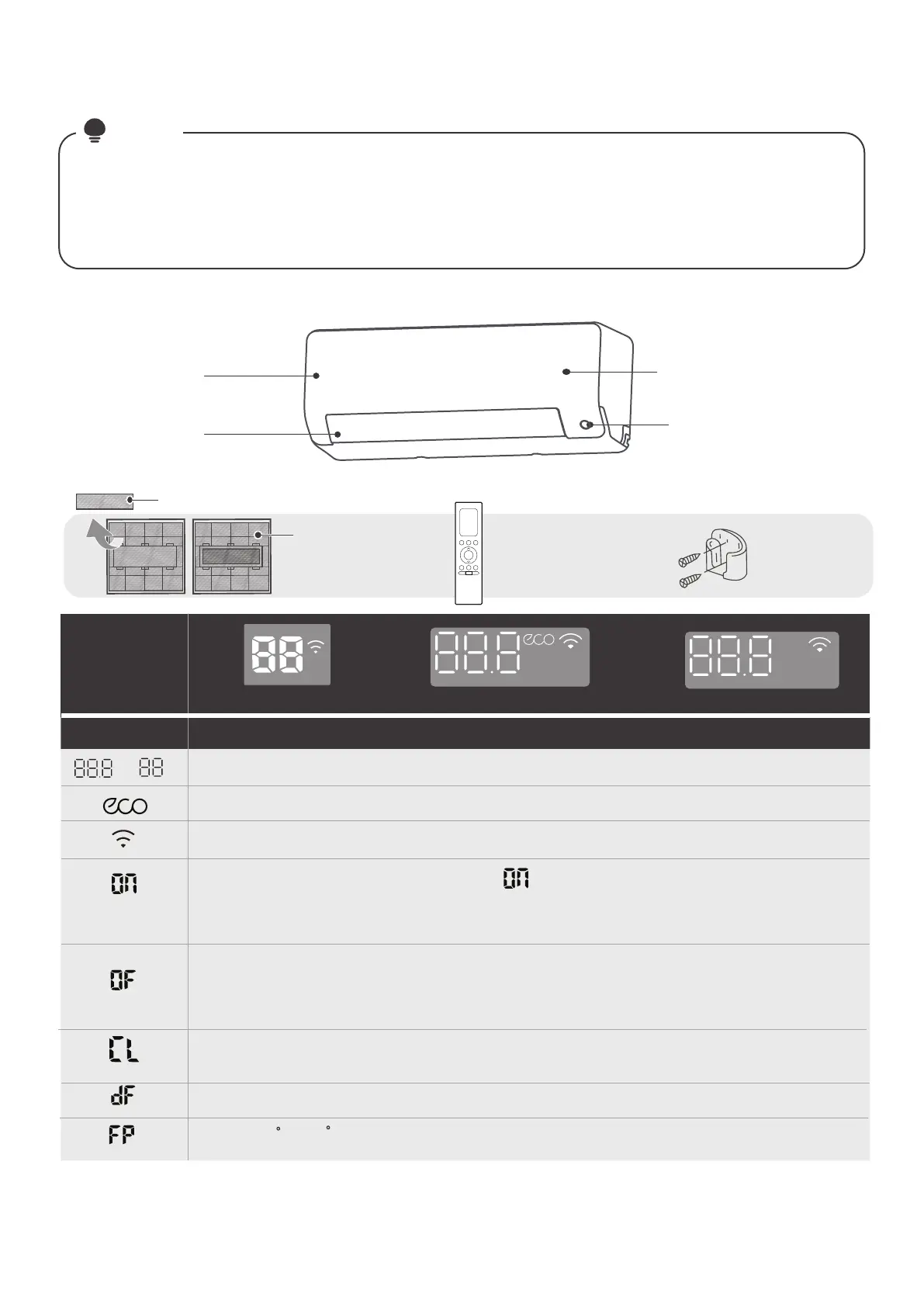
Dierent models have dierent front panel and display window. Not all the indicators describing
below are available for the air conditioner you purchased. Please check the indoor display window
of the unit you purchased.
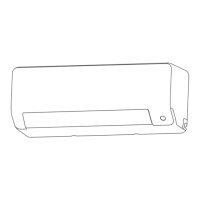
Illustrations in this manual are for explanatory purposes. The actual shape of your indoor unit may
be slightly dierent. The actual shape shall prevail.
●
●
NOTE
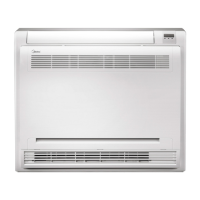
(Model A)
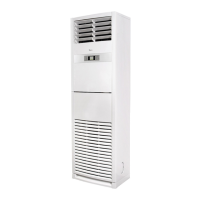
(Model B)
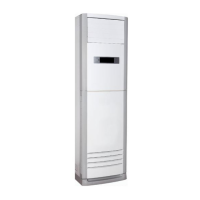
(Model C)
Indoor Unit Display
Front Panel
Display Code Meanings
Display
Windows
Display Code
(for 3s when)
(for 3s when)
●
●
●
●
●
●
●
●
●
●
When ECO function is activated.
When Wireless Control feature is activated(some units).
FRESH, UV-C lamp, SWING, TURBO, ECO, BREEZE AWAY, SILENCE or ECO
INTELLIGENT EYE feature is turned on.
FRESH, UV-C lamp, SWING, TURBO, ECO, BREEZE AWAY, SILENCE or ECO
INTELLIGENT EYE feature is turned o.
TIMER ON is set (if the unit is OFF, remains on when TIMER ON is set ).
“ ”
TIMER OFF is set.
When defrosting(cooling & heating units only).
When 8 C (46 F)heating feature is turned on(some units).
Display window
Air Outlet
Functional Filter
(On Back of Main Filter-Some Units)
Remote Control Holder
(purchase separately)
Remote Control
Air Filter
ECO intelligent eye
(some units)
Displays temperature, operation feature and Error codes.
When Active Clean feature is turned on(For Inverter split type ).
When the Self clean feature is turned on (For fixed-speed type).



 To Next Page