USB is the acronym for Universal Serial Bus, and is the standard for exchanging
data between different units. All Units communicate over one cable with the
computer and so there is no need for many cables to connect, and this will make
your work much easier.
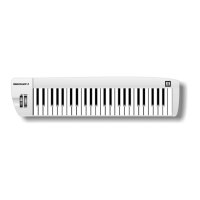
The MIDISTART 3 will give you an USB-Interface for transfer midi data to
your computer. (Midi over USB)
USB plug & play
If you are using Windows XP / Vista or Mac OSX, you can simply switch the
keyboard´s power switch to the “on” position. Because the Midistart-3 is class
compliant, it will work without any further installation.
SWITCH ON
There are two ways to power the unit:
1. Use USB cable to connect USB socket of computer.
2. Use external adapter: Plug output jack of proper AC adapter into the DC
socket in the rear panel.
7



 To Next Page