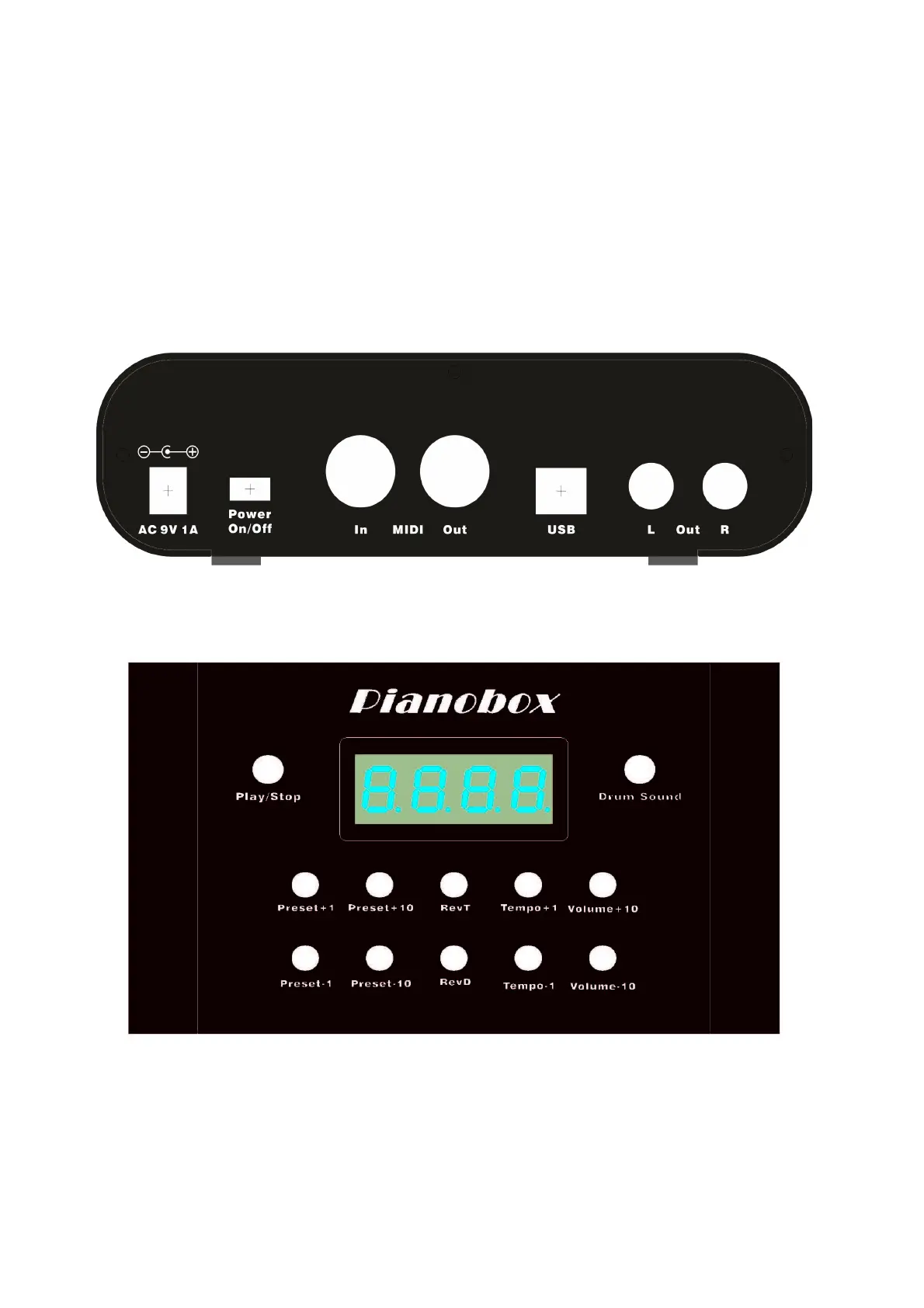
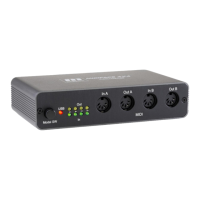
On the rear panel of the Pianobox USB you will find the LINE Out to connect the Pianobox USB to
an amplifier. Beside the LINE Outs there is the volume leveler, which controls the volume of the
LINE Outs and the headphone out at the same time. In the middle, there is the MIDI I/O, please
connect your keyboard here with a standard MIDI cable. The MIDI Out from the keyboard must be
connected to the MIDI In of the Pianobox USB. Beside the MIDI DIN ports you find the USB port.
If you connect your computer here, the Pianobox USB will be recognised as a USB MIDI device
called „Pianobox“. Use this driver in your music software to setup the device.
On the left side there is the power switch and the connection for the AC power adaptor. Please
connect the power adaptor here, the Pianobox USB needs AC, 1000mA, 9V, Plus in the middle.
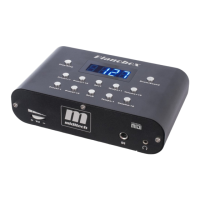
On the top of the Pianobox USB, you see the display, the Play/Stop and the Drum/Sound button.
And below this the 10 function buttons.
14




 To Next Page