PREFACE
Congratulations on purchasing the Miditech Pianobox USB General MIDI sound module. With
this module you will be able to discover the wonderful world of Music, with a set of complete
musical instruments and many drumpatterns in this little black box.
Connect your Pianobox USB to a Masterkeyboard, and you will be able to play easily different
sounds, or use it for playback GM files from a Computer or sequenzer. If you are a guitar player,
you can use the Direct Input to connect your guitar, and practice songs and riffs by using the
Pianobox USB drumpatterns as a drumcomputer. Many different modern styles are available.
This manual is written to help you become familiar with the features of the Miditech Pianobox
USB. Please read the manual carefully to discover all the features of your Pianobox USB. After
reading the manual, you will have a clear understanding of how to use the Pianobox USB, use
its drumpatterns and sounds. At the end of this manual you will find a list of the 100
implemented drumpatterns.
Technical Spezifications of the Pianobox USB:
● Easy to use with keyboards, masterkeyboards, or computer with MIDI.
● 16 Bit/48 kHz DA converter
● Adjustable headphone out 32Ω, 65mW, 20Hz- 20kHz, thd 0.1%
● Line Out, 10kΩ, 1V, 20Hz- 20kHz, thd 0.01%
● Direct Input for guitar/bass 10kΩ, 20Hz- 20kHz
● Including AC adaptor 1 Ampere, 9V, Plus in the middle
● USB powered
Connections and user panel:
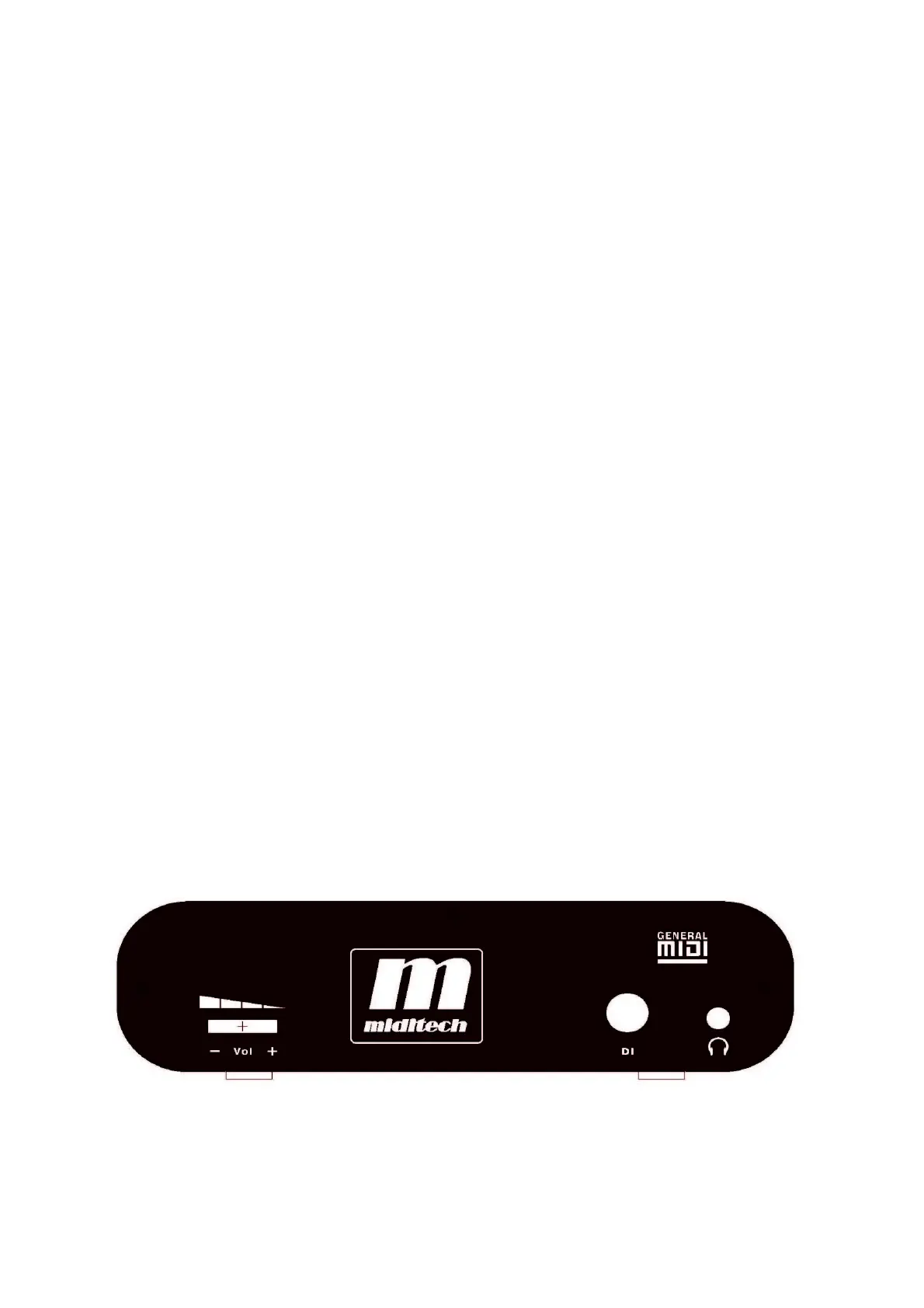
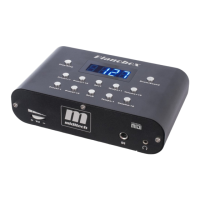
On the front of the Pianobox USB you will find the Volume Leveler, the DI (direct input) for
guitar/bass and the headphone out. Please connect your guitar or headphone here.
13



 To Next Page