6 | Midland G18 PRO instruction guide Midland G18 PRO instruction guide | 7
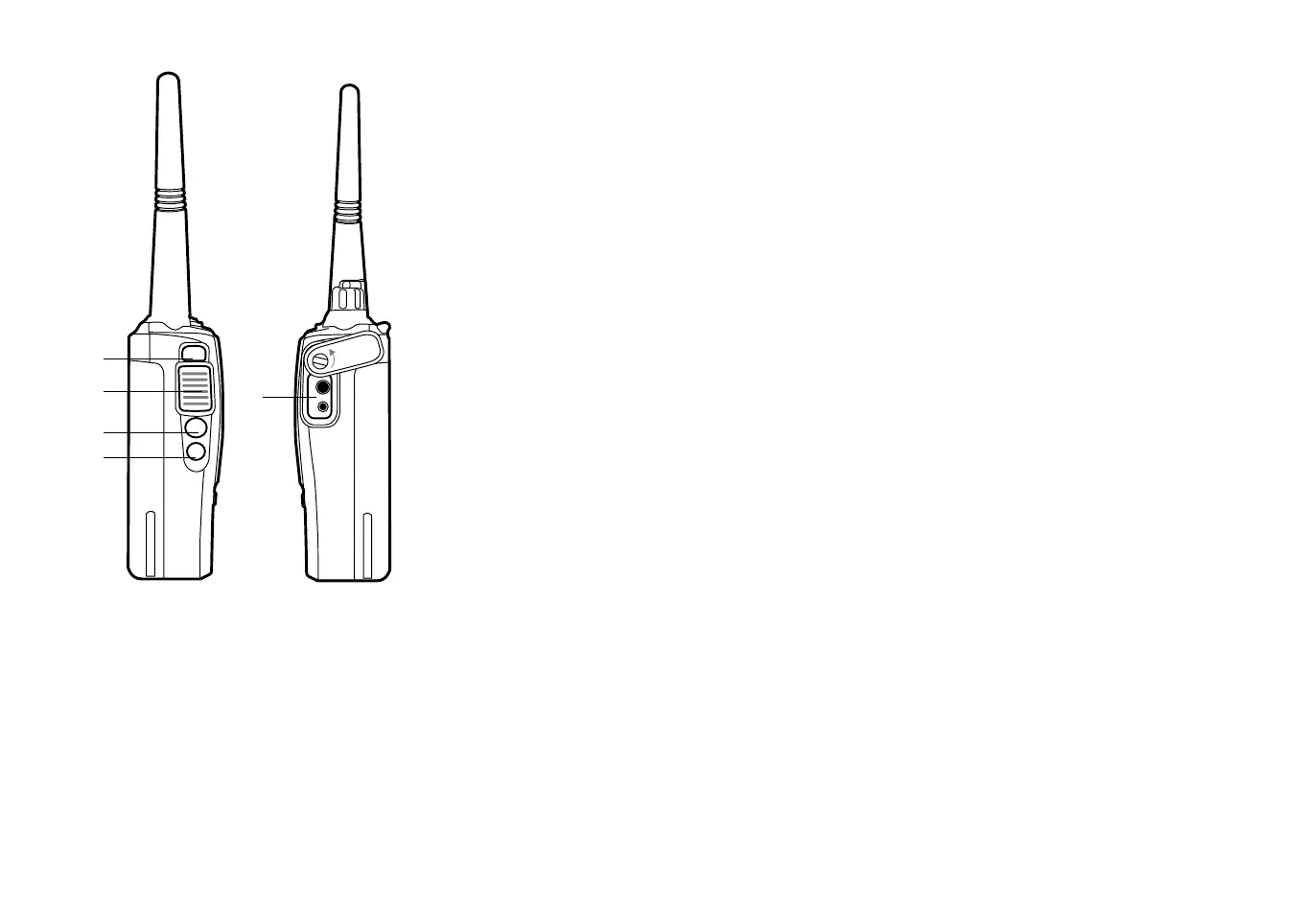
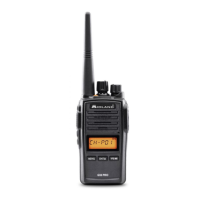
8. PTT: push this button to transmit, release it to receive.
9. Function key 1: Short pressure: Monitor function activation (PF3).
10. Function key 2: Long pressure: SCAN function activation (PF4).
11. External Speaker/Mic Jack (Motorola type) : allows the connection with
external devices such as headsets, microphones.
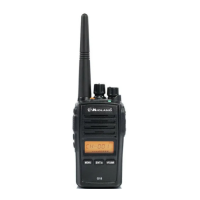
12. Multi-function key ‘FUN’: it allows to activate secondary functions.
13. LCD Display
14. Multi-function keys MENU - ENT - VFO/MR
Battery recharge
G18 PRO is equipped for using a 7,4V Li-ion rechargeable battery pack, which can
be recharged by connecting the socket of the AC/DC wall adaptor to a mains po-
wer socket and inserting the jack of the wall adaptor into the desktop charger plug.
It takes 4 hours to fully recharge the radio.
The led of the desktop charger indicates the status of the recharge:
Red = charging,
Green = full charge
For maximum battery life, we recommend you to charge the battery pack when the
G18 PRO is o and the battery pack is fully discharged.
! Using a dierent battery charger other than the one specified can cause damage
to your device or may even cause explosions and personal injuries.
The Battery power saving feature enables a reduction in consumption of up to 50% and
saves the battery life. If it has been set, it automatically activates when the transceiver
does not receive any signal for more than 5 seconds. Power saving can be disabled only
through the Programming software.
10
9
8
11
12


 To Next Page