Appendix A
Preva
119
FIGURE 119
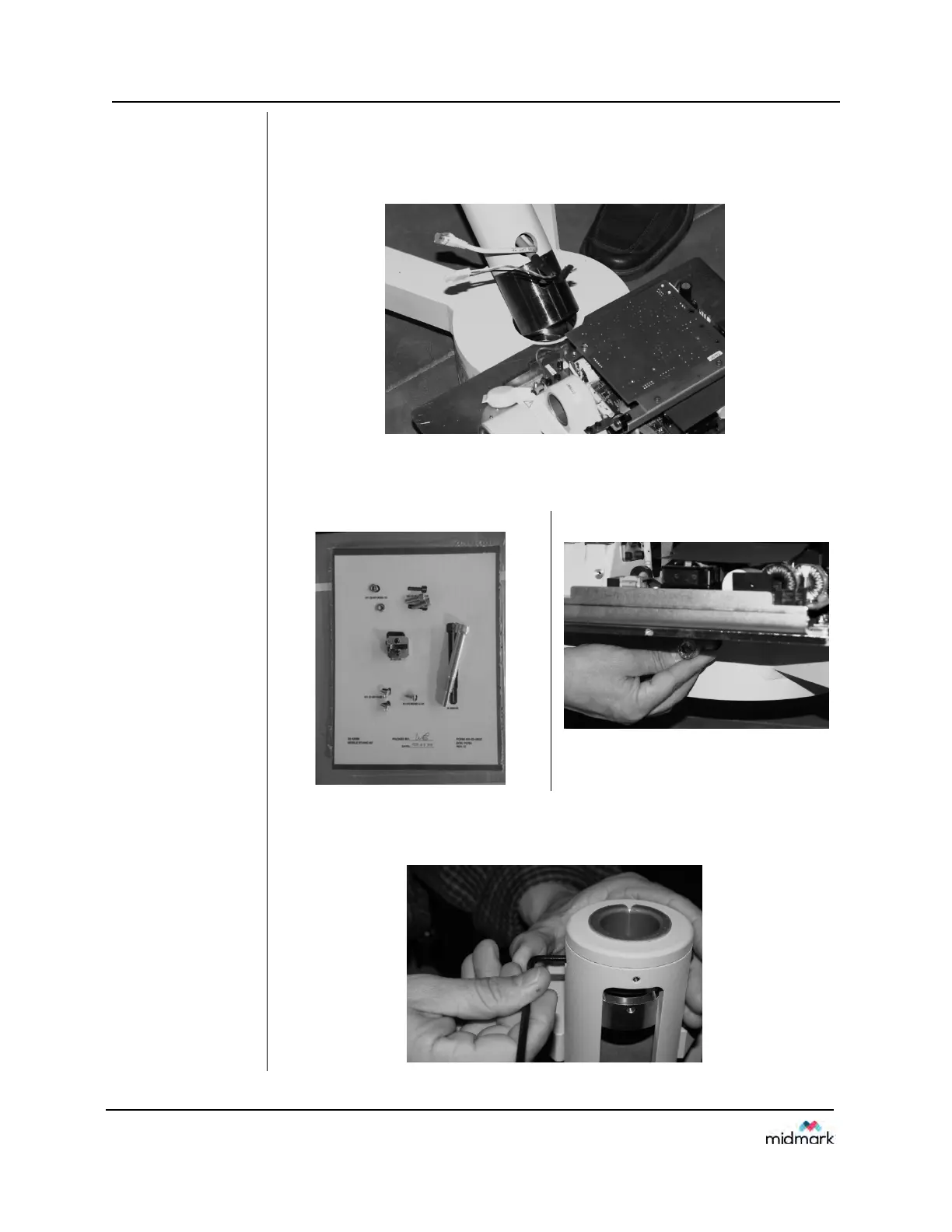
7. Locate the mobile unit post (located in the top layer of parts removed in
step 3) and insert into the mobile base as shown.
NOTE: Take care not to pinch the Cat 5 cable or the tubehead
connectors.
FIGURE 120
FIGURE 121
8. In the “Kit, Mobile Stand” package (Part #30-A2098). Locate and insert
the bolt used to secure the post to the mobile base. (Requires 10mm
Allen wrench.)
FIGURE 122
9. Back out the Allen bolts used to secure the articulated arm to the post.
(QTY 2). This allows the articulating arm to be inserted completely into
post.



 To Next Page