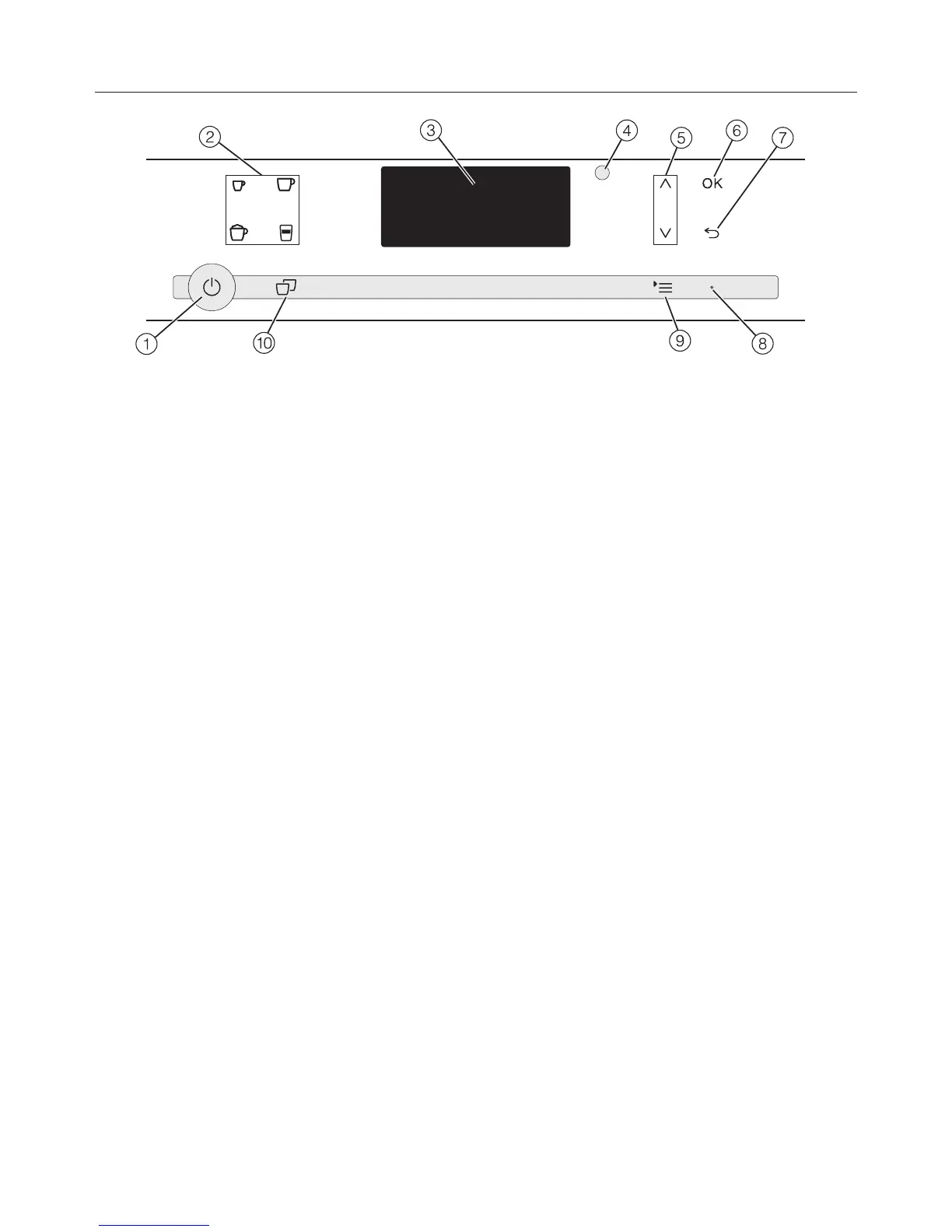
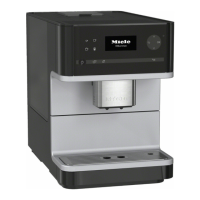
Controls and display
17
a
On/Off button
For turning the appliance on and off
b
Drink buttons
For making espresso ,
coffee ,
cappuccino or
latte macchiato
c
Display
Shows information on current activity
or status
d
Optical interface
(for Miele Technical Service only)
e
Arrow buttons
For showing additional selection
options in the display and
highlighting a selection
f
OK
For confirming display messages and
saving settings
g
Back
For returning to the previous menu,
canceling unwanted actions
h
LED
Flashes when the appliance is
switched on and the display is in
energy saving mode
i
Menus
Additional drinks
Profiles*
Maintenance
Parameters
Settings
j
Double portion
For preparing two portions of a drink
* CM5400,CM5500



 To Next Page