Preparing beverages
28
Cancelling a drink
To cancel making a drink, tap the
drinks sensor or for drinks from
Additional drinks again.
Drink preparation will be canceled.
Tip: You can also cancel making a drink
by tapping OK as soon as Stop appears
in the display.
When making coffee with milk or a
double portion of a drink you can
cancel each stage individually by
tapping OK.
Double portion
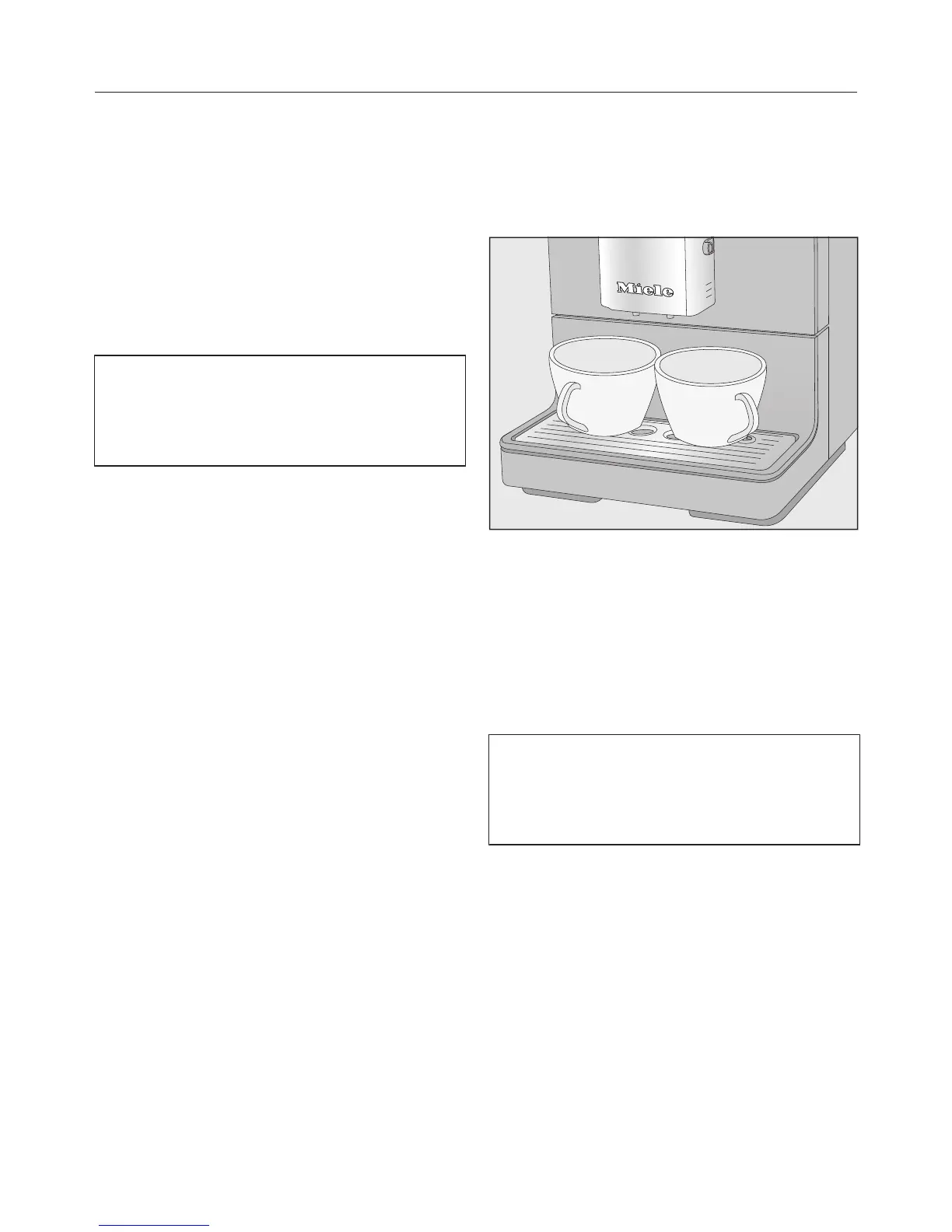
You can dispense two portions into one
cup or dispense two portions into two
cups at the same time.
To fill two cups at the same time,
place a cup under each coffee spout.
Tap.
Select a drink.
Two portions of the desired drink will be
dispensed from the main dispenser.
If, after a while, you have not tapped
one of the drink buttons, the “Double
portion” option will revert back to
single portions.



 To Next Page