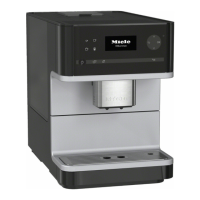
Operation
21
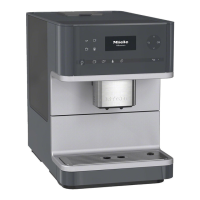
To operate the coffee machine, touch
the sensors with your finger.
CM6350: An acoustic tone will sound
each time a sensor is touched. You
can adjust the volume of this tone or
switch the tone off altogether if you
wish (see "Settings – Volume").
You are in the drinks menu when the
display shows:
To make a drink, touch one of the
drinks sensors.
You can find more drinks in the Further
programmes menu.
Selecting a menu and navigat-
ing within a menu
To select a menu, touch the relevant
sensor. You will then be able to start an
action or change settings in the menu.
Settings
Time
Timer
Language
A bar on the right-hand side indicates
that further options or text are available.
Use the arrow sensors to show
these.
The setting which is currently selected
will have a tick beside it.
To select an option, touch the arrow
sensors until the option you want is
highlighted.
Touch OK to confirm your selection.
Exiting a menu or cancelling an
action
To exit the current menu, touch.



 To Next Page