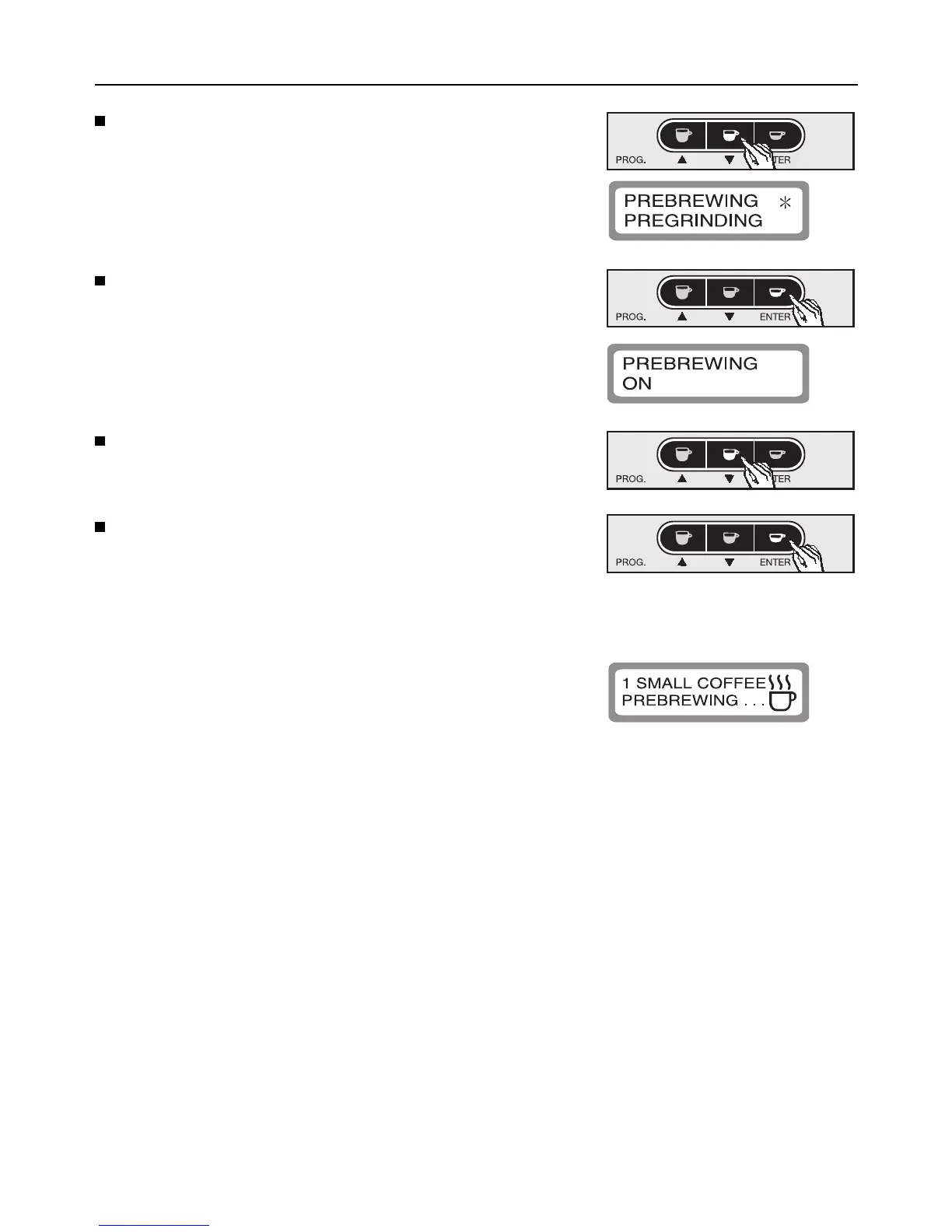
Press the e button to highlight programming
option “Pre-brewing” with an asterisk.
Press ENTER to confirm this programming option.
The sub-menu is shown in the display window as
follows:
Press the e button to set the pre-brewing process
on, off or to “long” (an extra long pre-brew).
Press ENTER to save this setting, or
turn the program selector to “0ff” to cancel if a
mistake has been made.
This will bring you out of the sub-menu.
When making coffee with the pre-brewing feature
on, the word “Pre-brewing” will appear in the display
window after the coffee has been ground.
Programming the appliance
19



 To Next Page