Operation
Moving entries
You can change the order of the entries in the drinks menu, in Profiles, and in
MyMiele.
Touch an entry and keep your finger on it until the context menu appears.
Select Move.
An orange border appears around the entry.
Tap the selected entry and keep your finger on the display. Drag the entry to the
required position.
Help
Context-sensitive help is available for certain functions. In this case, Help appears
in the bottom line.
Tap Help to display information in text and pictures.
Tap Close to return to the previous menu.
Pull-down menu
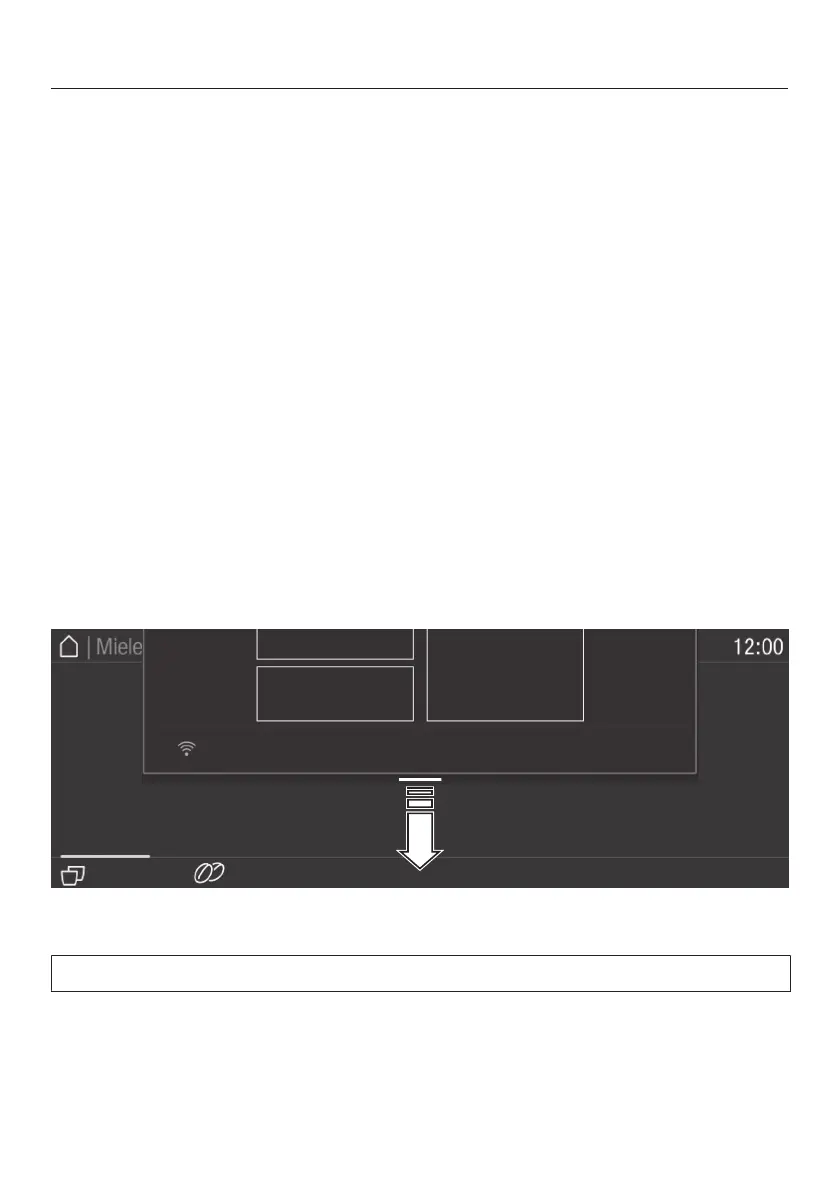
Among other things, the pull-down menu provides access to a schematic
representation of the bean containers and to Expert Mode.
Tap the orange line at the top edge of the screen and drag down with your
finger.
Active settings are highlighted in orange.
To close the pull-down menu, drag it back up to the top or tap an area of the
display located outside of the menu window.
23


 To Next Page