To switch the hob lighting on
The hob lighting can be switched on
and off independently of the fan.
^
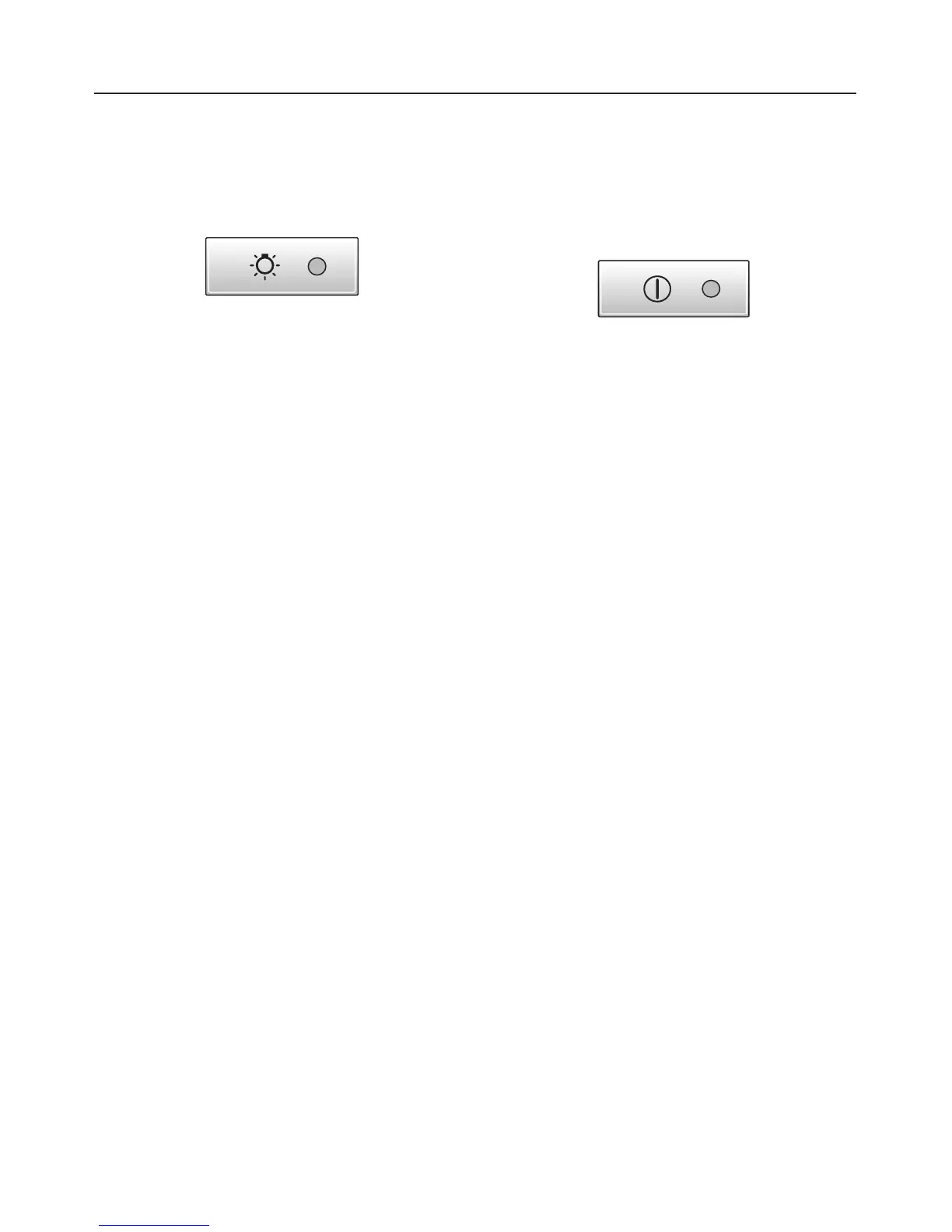
Briefly press the hob lighting control
to switch on the hob lighting.
The indicator lamp will come on.
The lighting will switch on at maximum
brightness.
To dim the hob lighting
The brightness of the lighting can be
adjusted.
^ With the lighting switched on, press
and hold the hob lighting control in.
The brightness will gradually dim until
you release the control.
^ Press the control in again to increase
the brightness to the level required,
and then release it.
If you keep the control pressed in, the
light will continually change between
bright and dim.
To switch the hob lighting off
^
Briefly press the hob lighting control
to switch the lighting off.
The indicator lamp will go out.
Safety cut-out
Should the cooker hood be left on, the
fan will switch off automatically after 10
hours. The lighting will remain on.
^
Pressing the On/Off control will switch
the fan back on again.
Operation
15



 To Next Page