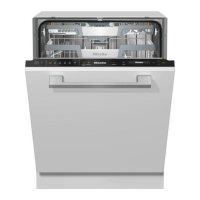
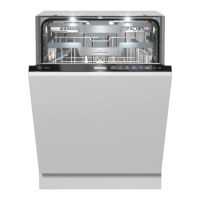
Guide to the appliance
18
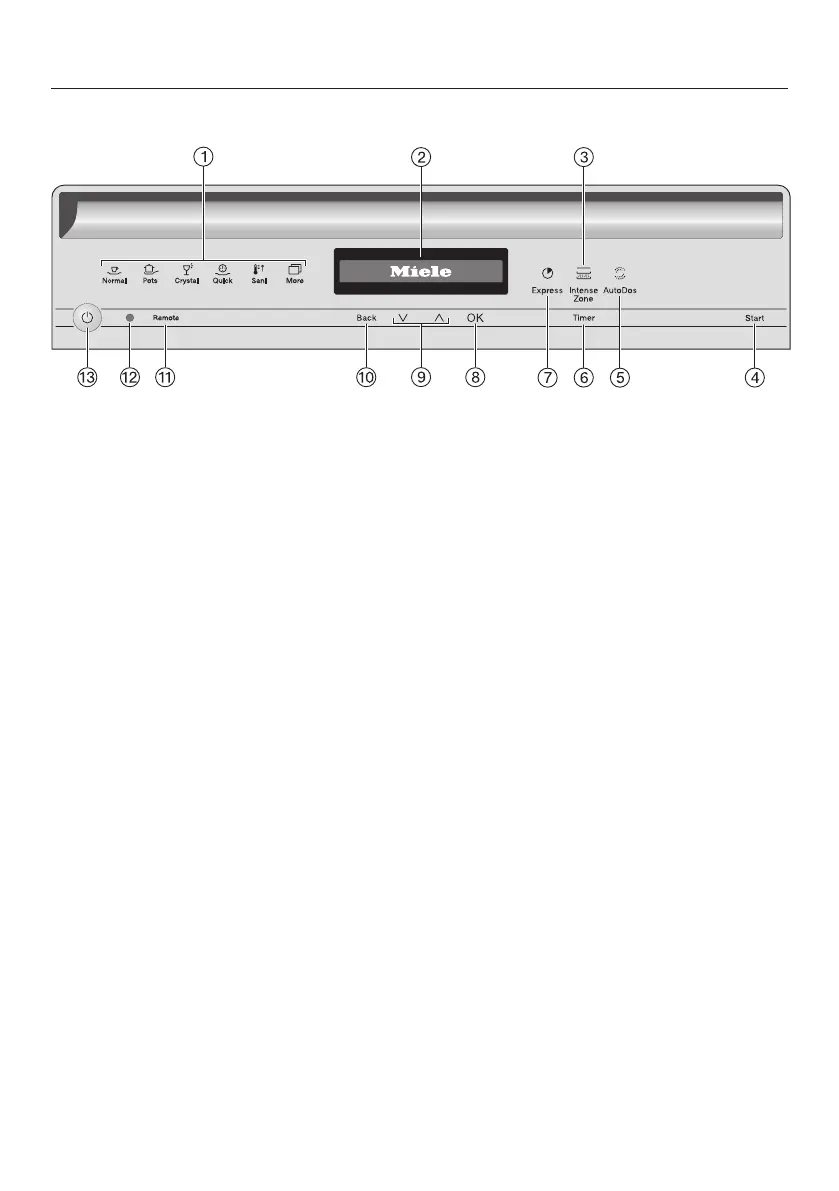
Control panel
a
Program selection
Normal = Normal
Pots = Pots & Pans
Crystal = China & Crystal
Quick = QuickIntenseWash
Sani = SaniWash
More = Additional programs/
settings
b
Display
For further information, see “Display
functions” under “Guide to the appli-
ance”.
c
IntenseZonesensor button
Increases cleaning performance in
the lower basket.
d
Start sensor button
For starting the selected program.
e
AutoDos sensor button
For activating/deactivating AutoDos.
f
Timer sensor button
For selecting a later program start.
g
Expresssensor button
For reducing the program cycle time.
h
OK sensor button
To select menu options and values
displayed.
To confirm messages.
i
Sensor buttons
For program selection.
For changing the values displayed.
For scrolling to other menu pages.
j
Back sensor button
For navigating back to the previous
menu or deleting values which have
been set previously.
k
Remote sensor button
For activating/deactivating the Re-
mote start option.
l
Optical interface
For Miele Customer Service.
m
On/Offsensor button
For turning the dishwasher on and
off.


 To Next Page