If you call up Sub-menus (e.g SETTINGS) you will be taken
to the next level.
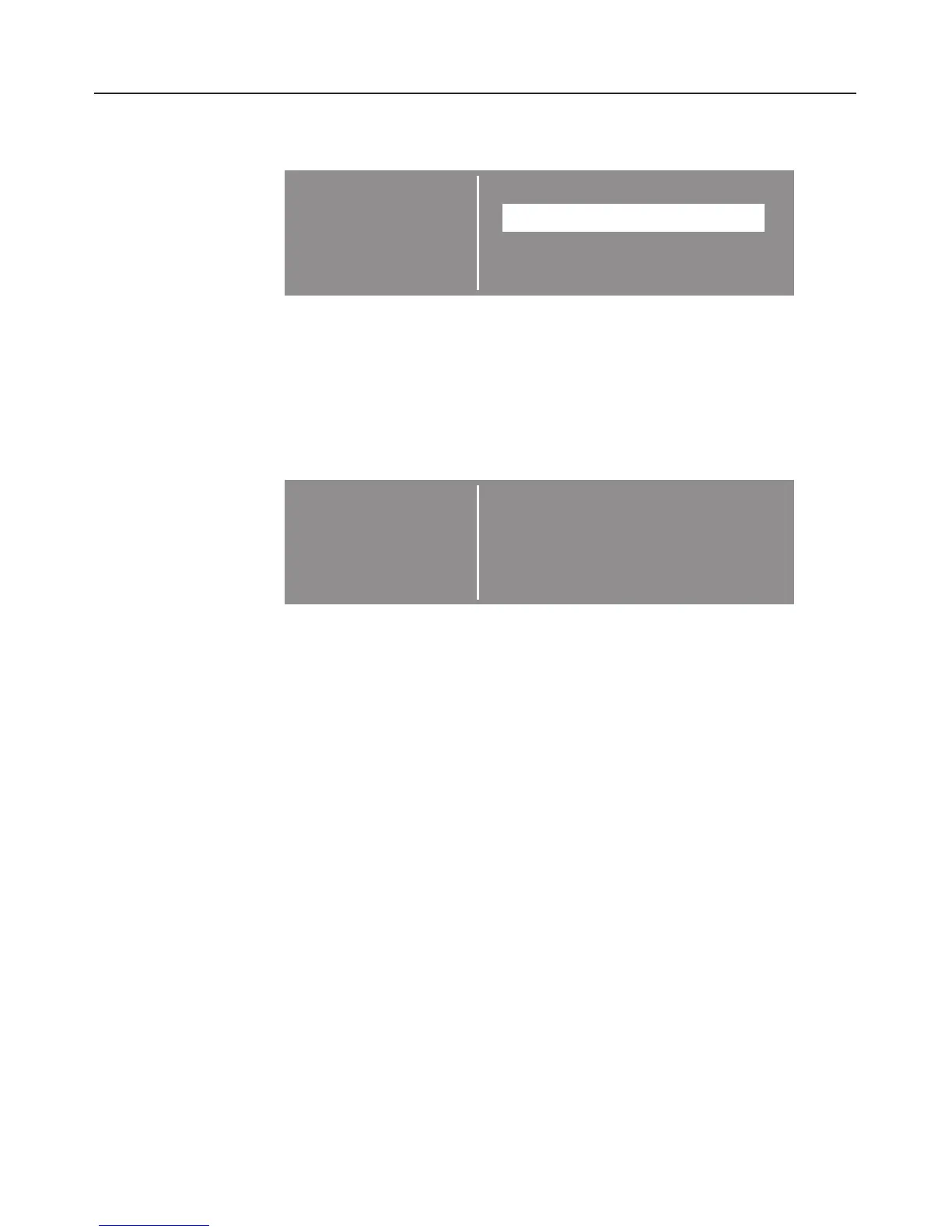
SETTINGS F. Back A
LANGUAGE F...
CLOCK. . .
LIGHT . . . H
The triangle symbols at the top or bottom of the display
indicate that you can scroll to further options by turning the
multi-function selector.
If you select an option e.g. LANGUAGE you will be taken to
the next level within that option.
You can now, for example, select the language you want.
SETTINGS F. dansk V
LANGUAGE F deutsch (A)
deutsch (CH)
deutsch (D) B H
A tick L will appear next to the currently selected language.
In this example: deutsch (D).
To return to the previous menu select "Back" and press the
selector to confirm your choice.
See "Changing the time of day" and "Using the oven" for
examples which explain this principle in detail.
Operating sequence
23


 To Next Page