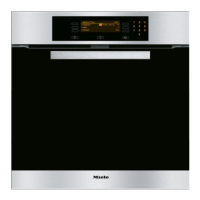
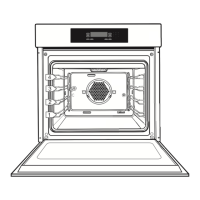
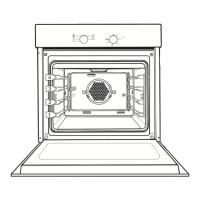
First a cooking function has to be selected and then the
temperature required has to be set.
Each cooking function has been given a pre-set temperature
to make it easier. You can either accept it or change it to suit
your recipe.
Selecting an oven function
^
Switch the oven on by pressing the ON/OFF switch s
gently.
FAN PLUS
ALL FUNCTIONS . . .
CONVENTIONAL AUTOMATIC . . .
GRILL full USER PROGS . . .
PYROLYTIC SETTINGS F...
You can select any of the functions displayed in the left-hand
side of the display by simply highlighting the one you want
and confirming your selection.
Alternatively you can change this list via the SETTINGS menu
to suit your particular preferences. See "Changing settings -
Main menu").
Further functions are listed under the option ALL
FUNCTIONS.
^ Turn the multi-function selector until the function you want
to use is highlighted and then press the selector lightly.
The following functions are available:
–
Fan plus
For baking or cooking on several levels at the same time.
–
Fan heat
For baking or roasting on one level at a time.
–
Auto Roast
This function provides and initial high temperature to seal
meat followed by a lower temperature for normal roasting.
Using the oven
28


 To Next Page