EasyManua.ls Logo

Miele H6180BP - Mode Selector; Display; Symbols in the Display

Miele H6180BP
84 pages
Print Icon
To Next Page IconTo Next Page
To Previous Page IconTo Previous Page
Loading...
Oven controls
15
Mode selector
For selecting oven modes.
It can be turned clockwise or counter-
clockwise.
Oven modes
Surround
Bake
Maxi Broil
Defrost
Self Clean
Rapid PreHeat
Convection Bake
Intensive
Convection Broil
Gentle Bake
Display
The display shows the time of day or
your settings.
°C °F
h min
Symbols in the display
Depending on the position of the mode
selector and/or which button is
pressed, the following symbols will
appear:
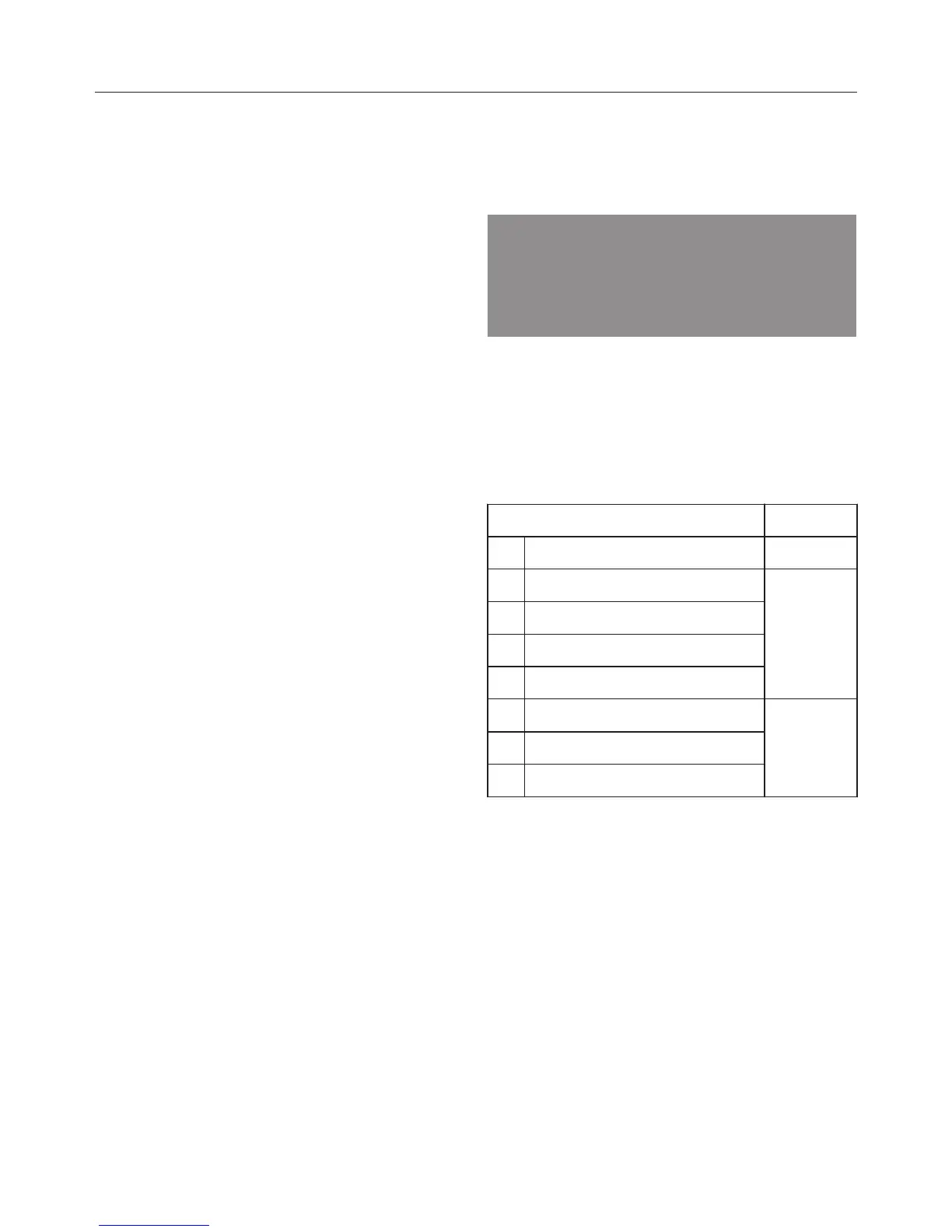
Symbol / Function
Timer Any
Temperature indicator
Oven
mode
Duration
Finish time
Temperature
Settings
Time of day
System lock
A function can only be set or changed if
the mode selector is in the correct
position.

Table of Contents

Related product manuals