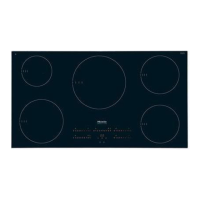
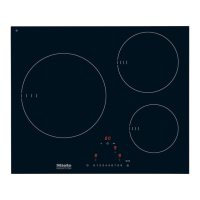
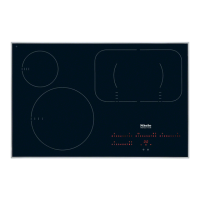
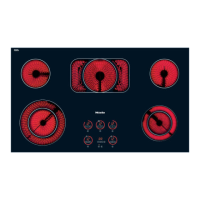
Cooking zone controls and
displays
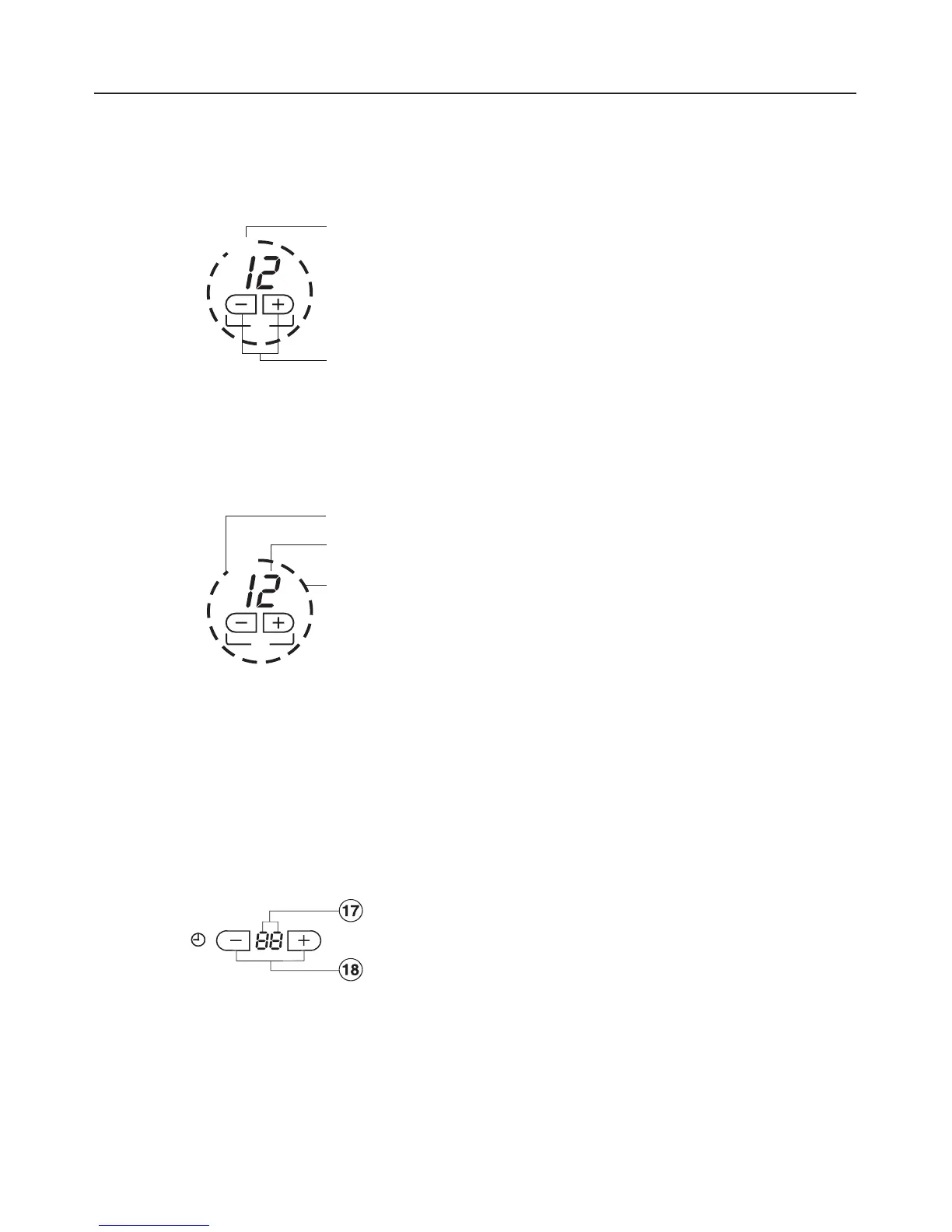
Touch controls:
l Cooktop ON/OFF
m for selecting the power settings and
turning on the outer circle of the
variable zone or extended zone
Displays
n Extended cooking zone on
o 0 = Ready for use
1 - 12 = Power setting
~, | or # = Residual heat
F = Fault (see, "Safety
cut-out feature")
p Light ring: the number of segments lit
corresponds to the selected power
setting
(exception: see "Cooking with
Auto-heat").
Timer:
Kitchen timer or automatic shut off for
rear left w and front left y zones
q Time display
r Touch controls for setting the timer
Guide to the cooktop
12
s
o
m
n
p
o
q
s
o



 To Next Page