Switching on an extended area
Depending on the model of hob, the
outer circle of the double circle zone or
the extended cooking zone can be
switched on to provide an extended
cooking area when cooking with larger
pans.
^
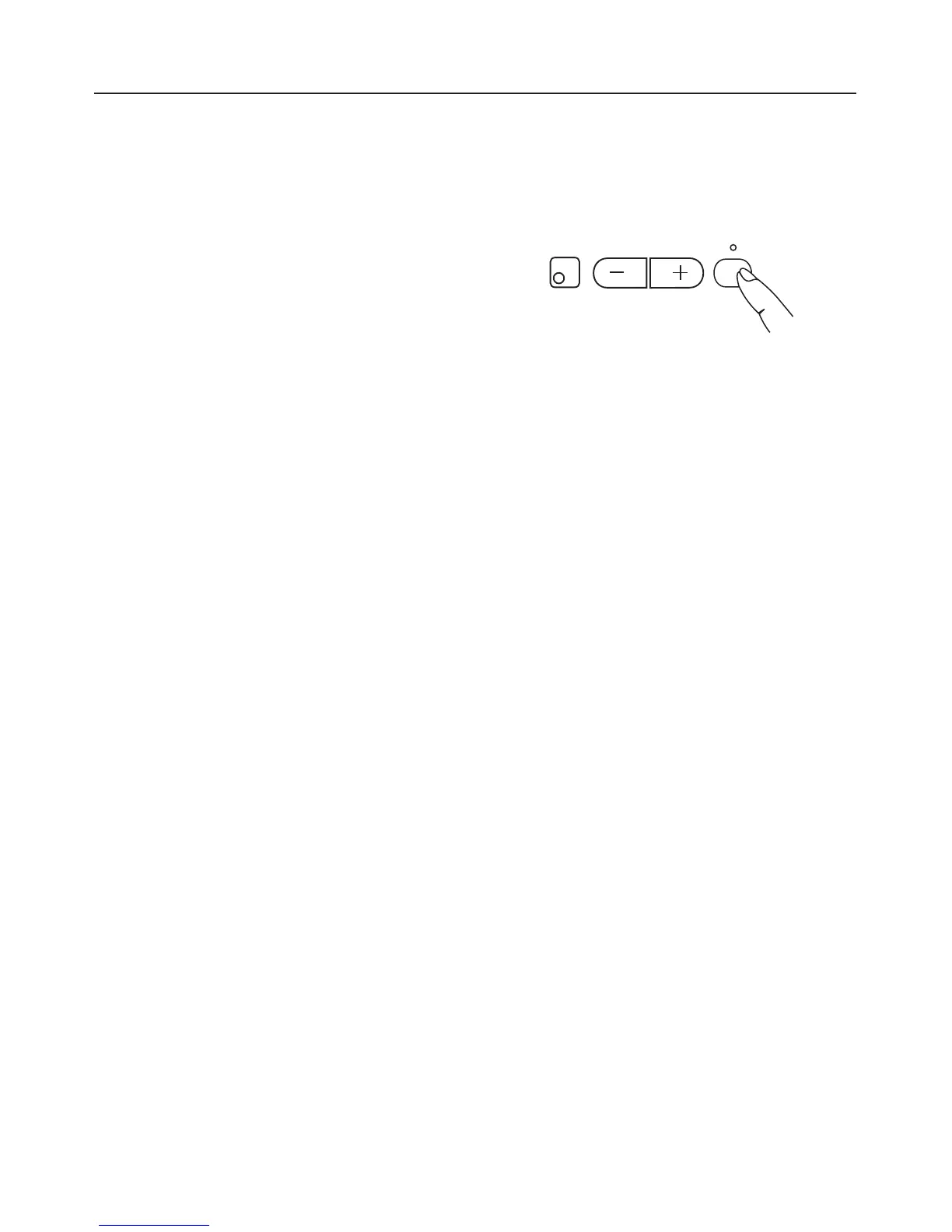
Switch the zone on by pressing the -
or + sensor and select a power
setting.
^
Then press the sensor for the outer
circle of the double circle zone or the
extended cooking zone n.
If a 0 is showing in the cooking zone
display, you can press the n sensor
first and then choose a power setting.
An indicator light will come on to show
that the outer circle / extended cooking
zone is switched on.
To switch the outer circle or extended
cooking zone off, press the n sensor
again or set the display for the zone
back to 0.
Use
20
n
5



 To Next Page