Timer
33
The cooktop has to be turned on if
you wish to use the timer.
You can set a time between 1 minute
() and 9 hours (.).
The timer can be used for two different
functions:
- For setting the timer
- For turning off a cooking zone auto-
matically.
A time up to 99 minutes is set and dis-
played in minutes.
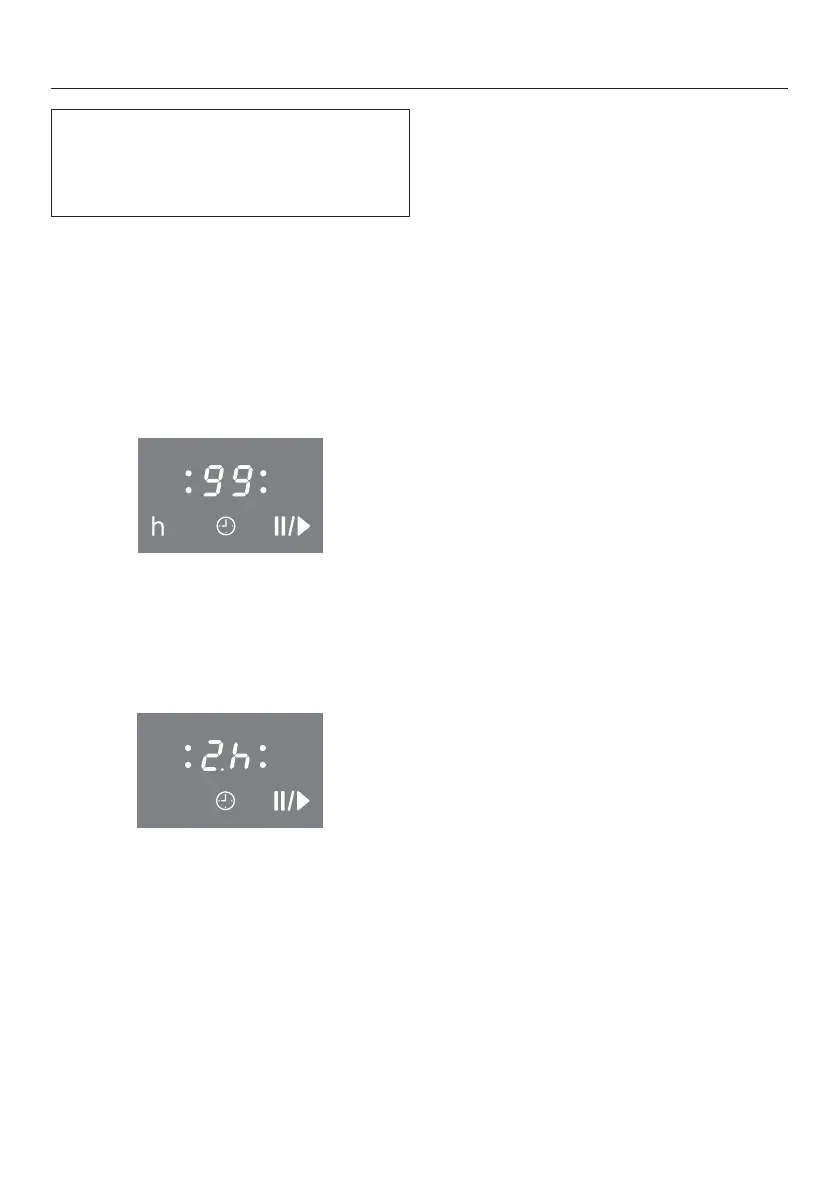
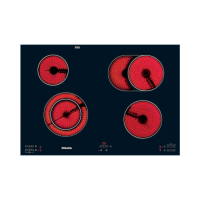
In case of a time of more than 99 min-
utes, the timer must be switched to
hours (h). The time is set in half-hour
steps. Half-hours are indicated by a dot
following the number, for example, 2 h
30 min:
Timer
Setting the minutes
Example: You want to set a time of
15minutes.
Make sure the cooktop is switched
on.
Touch the sensor button.
appears in the timer display, and the
right flashes.
First the tens digit is set, then the ones
digit.
Touch the number sensor which cor-
responds to the tens position (1 in
this case).
The timer display will change and will
start flashing on the right.
Touch the number sensor which cor-
responds to the ones position (5 in
this case).
The timer display will change. jumps
to the left and appears on the right.
After a few seconds, the timer display
will light up continuously. The timer
starts counting down.


 To Next Page