Connectivity
46
Establishing the network connection using a LAN cable
The optional XKM3200WLPLT communication module is required for wired network
connection.
On the supervisor level, select using the or arrow buttons.
Then select the COM module using the or arrow buttons.
Confirm with the /sensor control.
Connect the appliance to your router/switch using the network cable. The router/switch
must be connected to the Internet.
The appliance is now successfully connected.
System requirements for WiFi
- WiFi 802.11b/g/n
- 2.4GHz band
- WPA/WPA2 encryption
- DHCP activated
- Multicast DNS / Bonjour / IGMP snooping activated
- Ports 443, 80, 53 and 5353 open
- IP DNS server = IP standard gateway/router
- Mesh/repeater use: same SSID and password as standard gateway/router
- SSID must be permanently visible
System requirements for LAN
- DHCP activated
- Multicast DNS / Bonjour / IGMP snooping activated
- Ports 443, 80, 53 and 5353 open
- IP DNS server = IP standard gateway/router
WiFi signal strength – Guide values
The WiFi signal strength is only a rough guide. These details do not provide absolute cer-
tainty.
The WiFi signal strength can be read via the MDU or directly on the appliance.
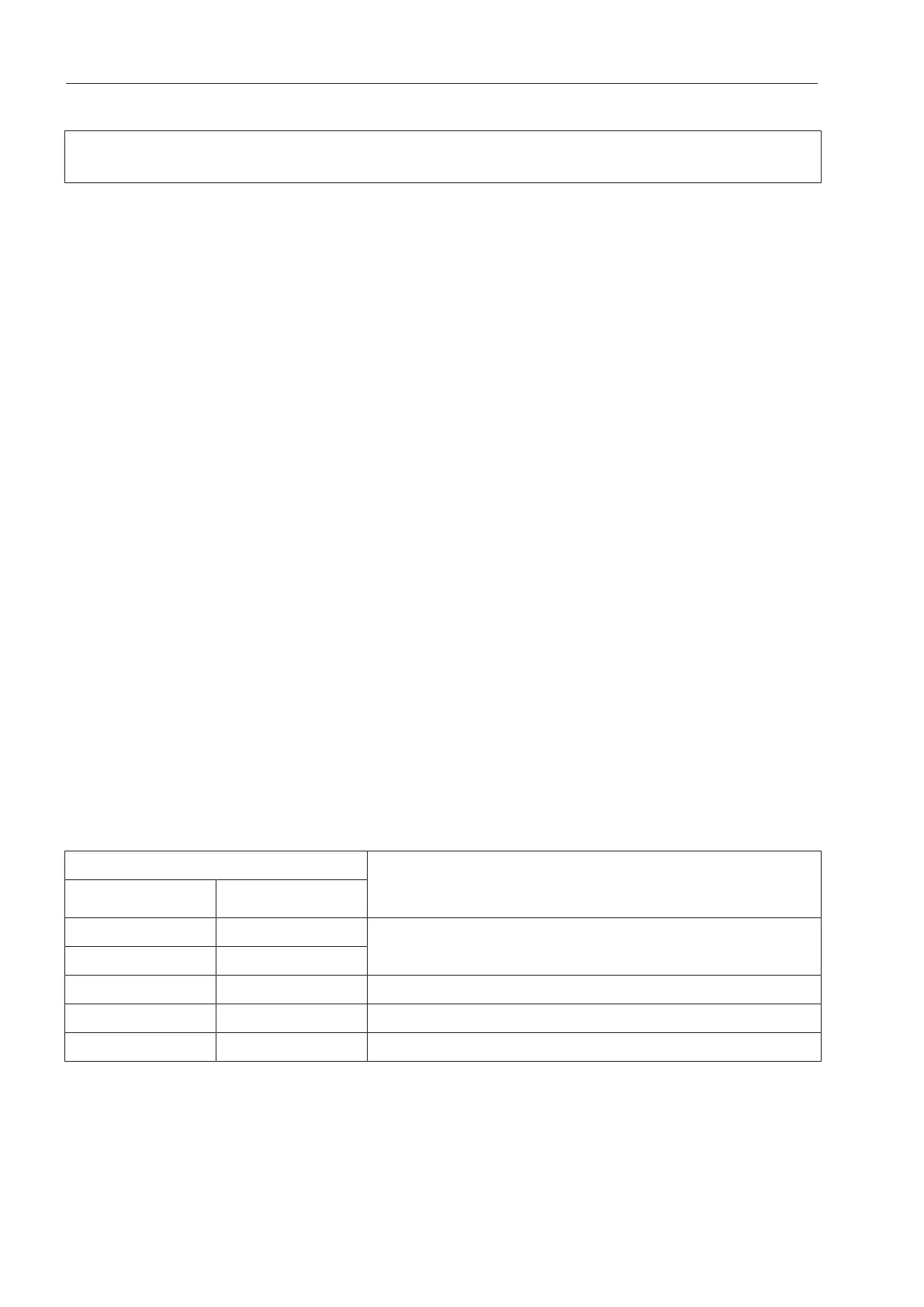
WiFi signal strength
Meaning
MDU
*
76–100% 3/3**
Generally, reliable operation possible
51–75% 2/3
26–50% 1/3 Generally, operation possible
1–25% 0/3 Generally, reliable operation not possible
0% Operation not possible
*Displayed on the appliance
**Number of bars 3/3–0/3
The signal strength can be adversely affected by many factors:
- People in the room
- Open or closed doors
- Moved objects



 To Next Page