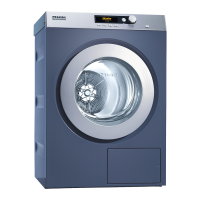
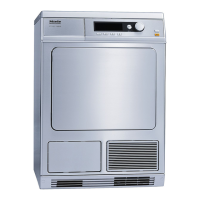
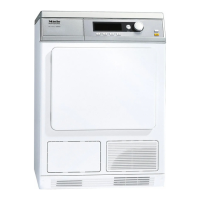
Operating panel
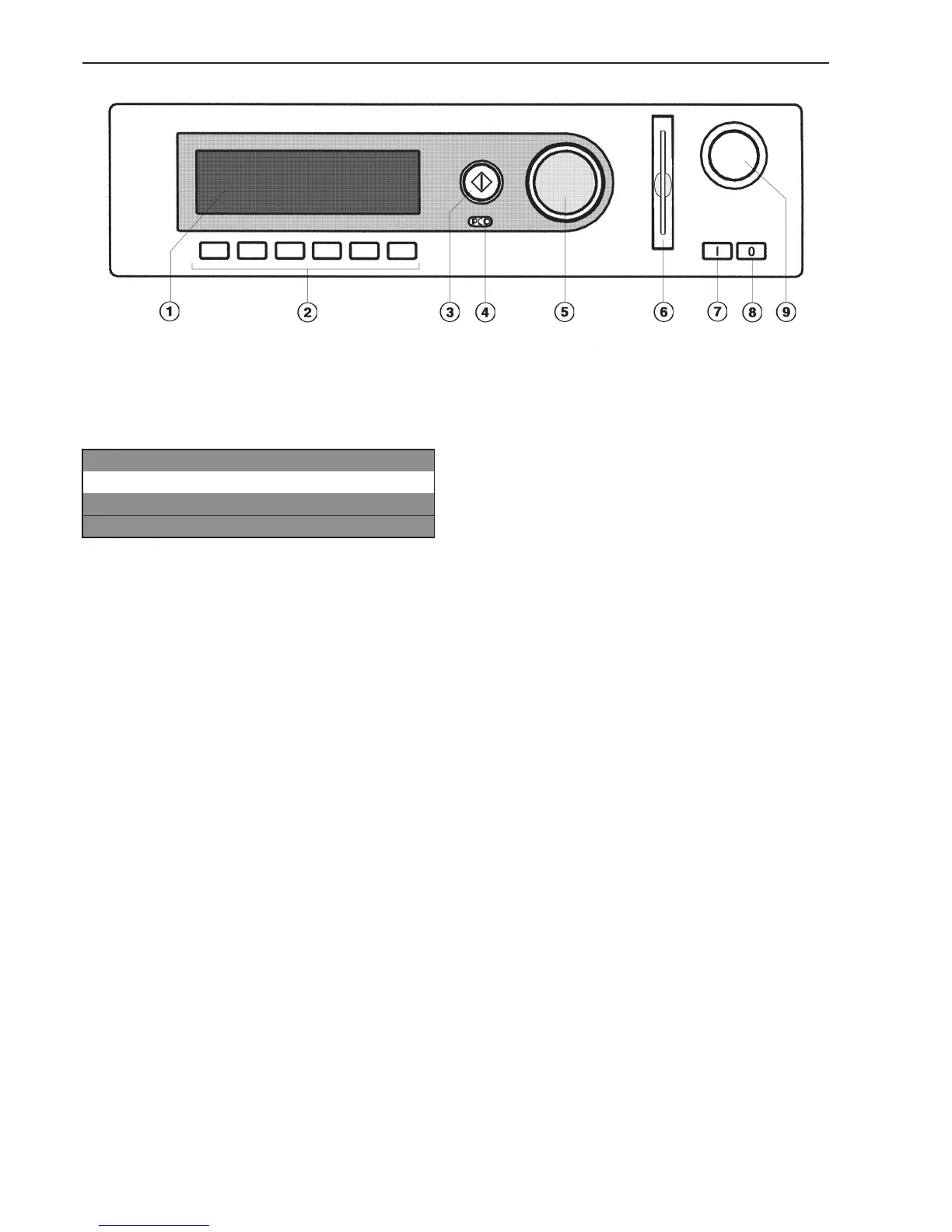
a Display*
1 Hot W. / Cot. extra dry 0%
2 Hot Wash / Cottons dry 0%
3 Hot Wash / Cottons moist 20%
FC A
b Selection buttons
The control keys have different functions
depending on the machine status. The
functions are shown in the display above the
buttons.
c h Start button
The circle illumination flashes if a selected
program can be started or a selection can
be made.
Once a program has started the Start button
can be pressed to show the original display.
*Contents in the display will vary with
program offering.
d Optical interface PC
For data transfer between the machine’s
controls and a PC.
e Jog shuttle
Turn the jog shuttle for display selections
and input fields.
Press the jog shuttle to confirm display
selections or changes.
f Card reader (optional)
g I On button
h 0 Off button
i Emergency Stop button
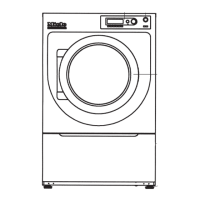
Guide to the tumble dryer
8



 To Next Page