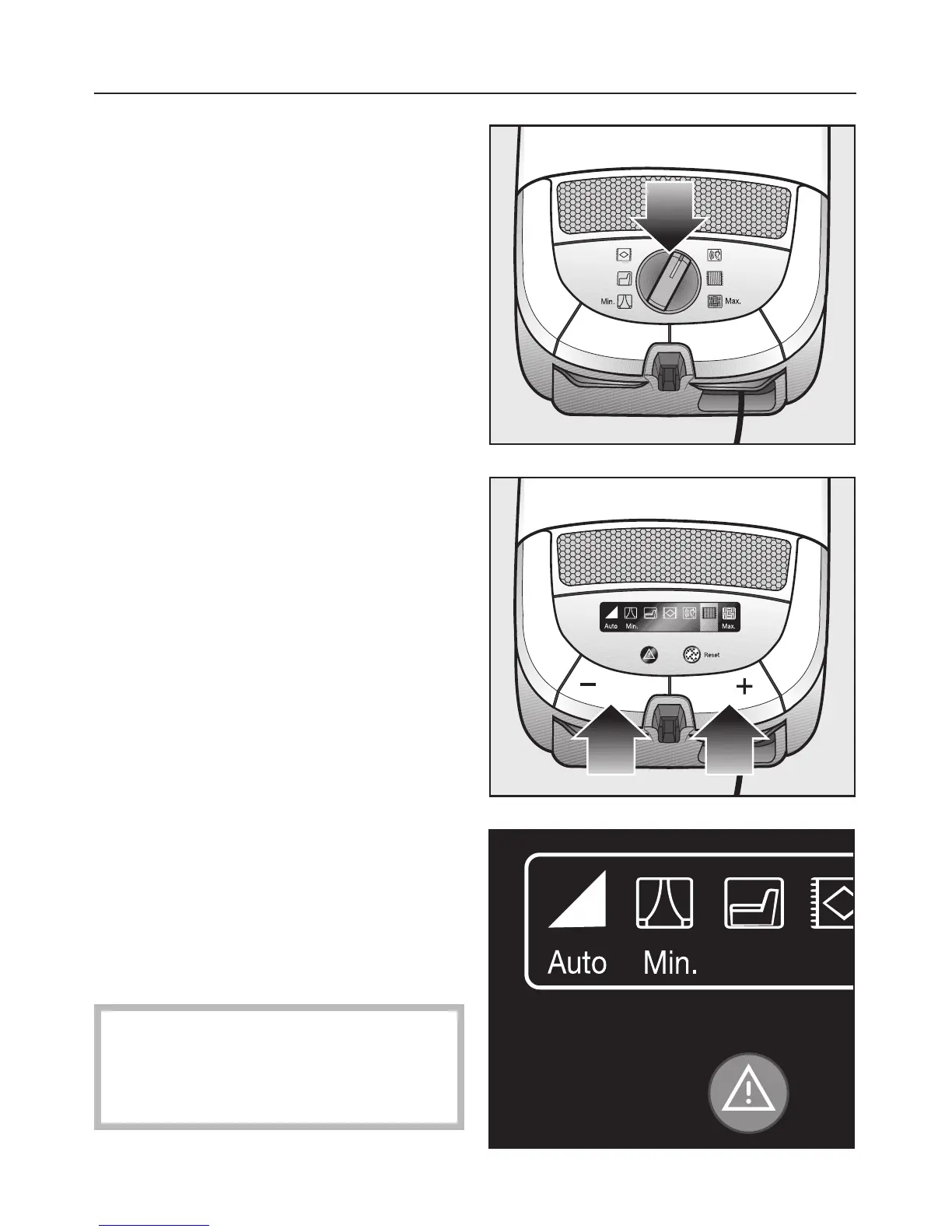
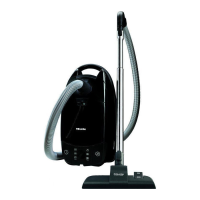
Rotary selector
^
Turn the rotary selector to the desired
suction power setting.
On some models the symbol of the
selected power level lights green.
+ / – controls
Press and hold the respective foot
switch until the display lights the
symbol of the desired power green.
^ Press the + control to select a higher
setting.
^ Press the – control to select a higher
setting.
"Auto" level
If the Automatic setting is chosen the
vacuum cleaner automatically adjusts
the suction power to suit the surface
being cleaned.
^
Keep pressing the – control until the
Automatic setting is activated.
^
Press the + control to deactivate the
Automatic setting.
,
Do not use the Automatic setting
to vacuum lightweight materials or
curtains. Excessive suction may
cause damage.
Use
19


 To Next Page