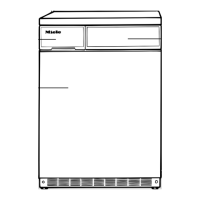
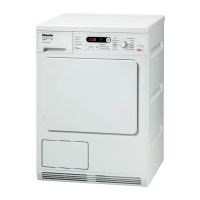
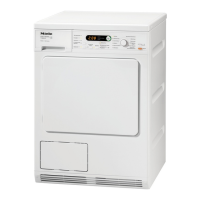
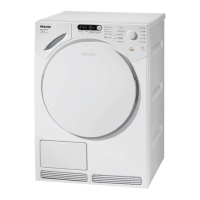
Guide to the appliance
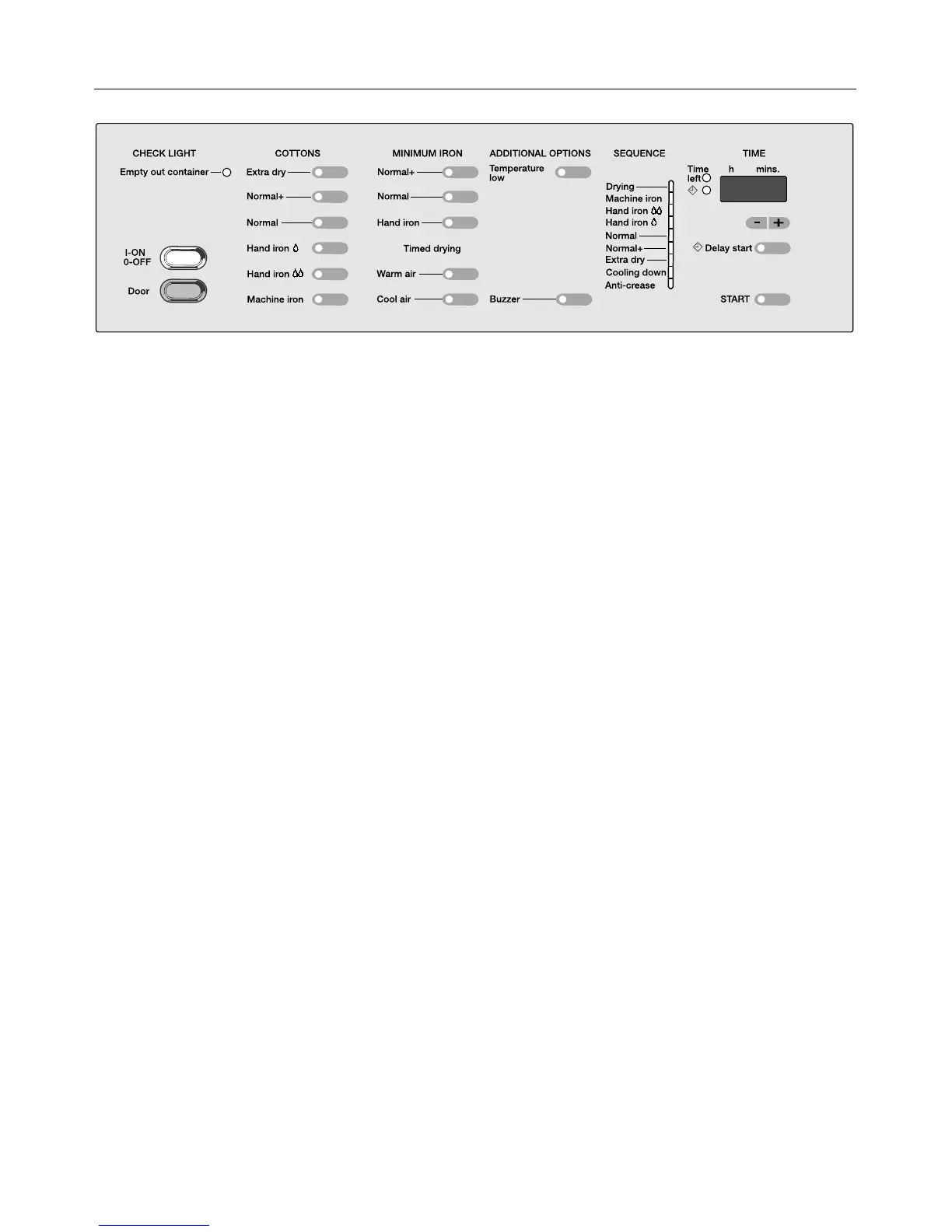
CHECK LIGHT "Empty out container"
– The condensed water container
must be emptied.
On/Off button
– for switching the appliance on and
off.
– The indicator lights in the pro-
gramme selection touch pads light
up.
"Door" button
– opens the door
"COTTONS" touch pad selectors
"MINIMUM IRON" touch pad selectors
"TIMED DRYING" touch pad selectors
ADDITIONAL OPTIONS touch pad
selectors:
"Temperature low" touch pad selector
– low temperatures for delicate fab-
rics, e.g. acrylics.
"Buzzer" touch pad selector
– sounds when the drum turns during
the intermittent anti-crease action
period.
"SEQUENCE" indicator lights
– show the current state of the pro-
gramme.
– The drying stage reached is shown.
"TIME" display
– for "time left" and "delay start".
"Delay start" touch pad selector
– lights up when delay start is se-
lected.
"START" touch pad selector
– flashes as soon as the dryer is
ready to start.
– lights up as soon as the programme
starts.
4



 To Next Page