en - T1 and W1 with 4 line display
37
SmartStart
If you have activated the SmartGrid
function in Settings, instead of Finish
at, SmartFinish will appear in the display
when you press the Delay start button.
Setting the timeframe
You can define a period (from 15
minutes to 24 hours), in which the wash
programme must be started.
The procedure for setting this is the
same as for setting the time for Delay
start.
Use the and sensors to enter the
hour and confirm your entry with the
OK sensor.
The hours will be saved and the minute
number block will be highlighted.
Use the and sensors to enter the
minutes and confirm your entry with
the OK sensor.
Press the Start/Stop button to start
the wash programme with
SmartStart.
The following will appear in the display:
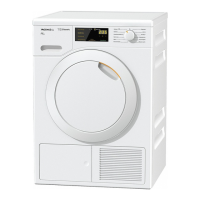
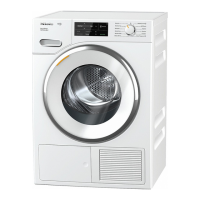
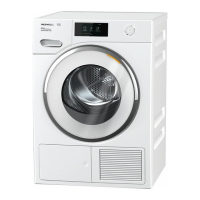
Tumble dryers
Cottons
10:00
Normal
SmartStart until
15:00
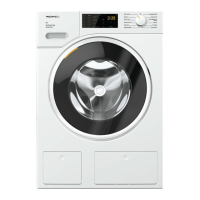
Washing machines
Cottons
10:30
1600 rpm
Start at
11:46
The selected programme will start auto-
matically, as soon as the energy pro-
vider has sent the signal, or the latest
calculated start time has been reached.
The procedure for changing or deleting
the SmartStart function is the same as
described for the Delay start function.



 To Next Page