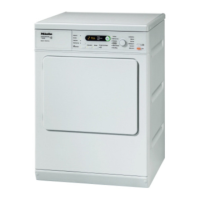
3. Selecting a programme
33
4. Selecting Wash2Dry
Once the wash cycle has ended,
place the clean laundry in the tumble
dryer.
Turn the programme selector to
Wash2Dry.
Please wait lights up in the display of
the tumble dryer while the wash pro-
gramme is running.
Once the washing machine programme
has come to a proper end*, the drying
programme tailored to the laundry will
be displayed.
*The wash programme has been com-
pleted from start to finish.
To start the programme, all you need
to do is press the Start/Add laundry
sensor control on the tumble dryer.
Programme selection will not be avail-
able on this tumble dryer after wash-
ing delicate textiles (e.g. curtains) in
special wash programmes.


 To Next Page