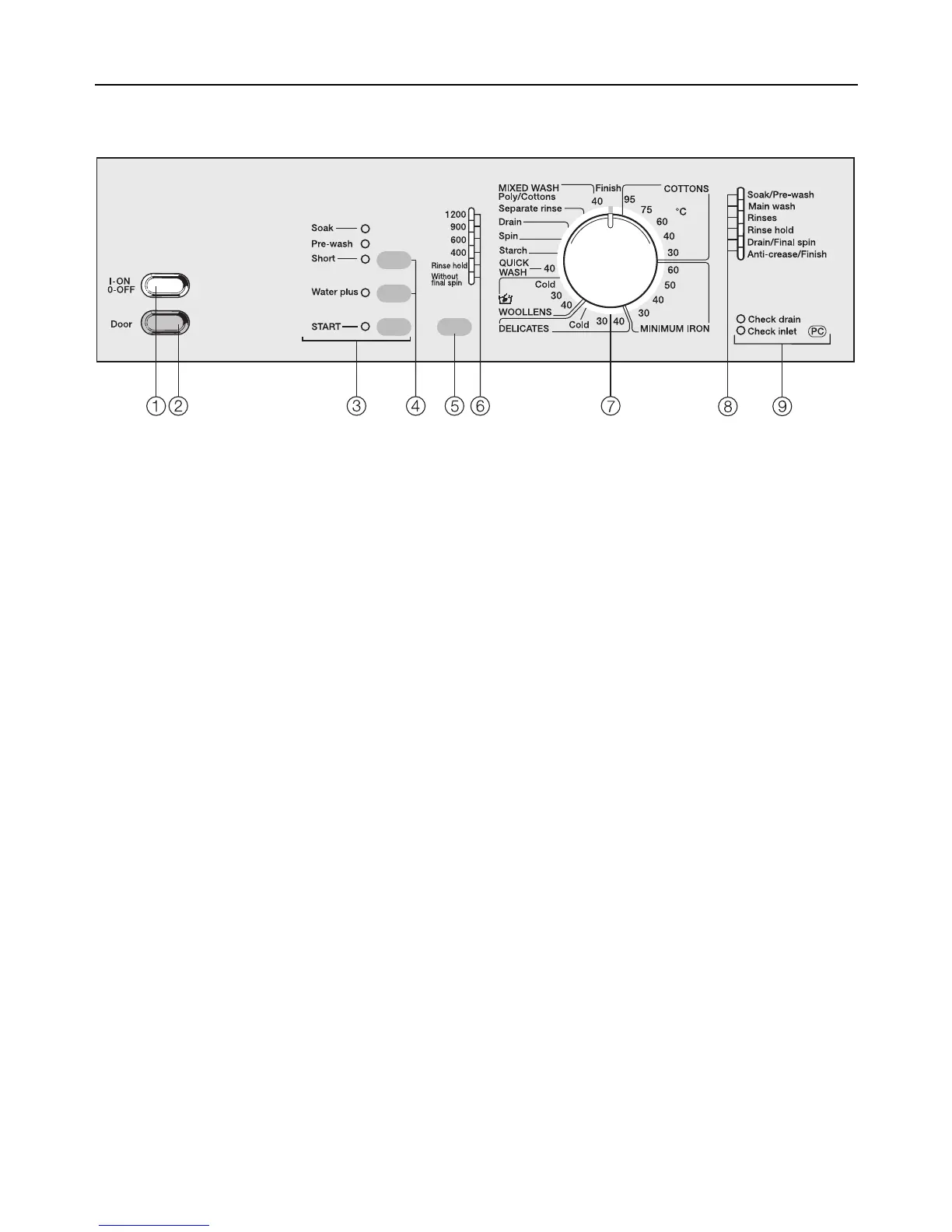
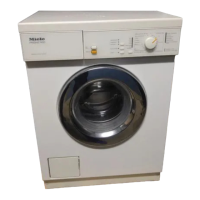
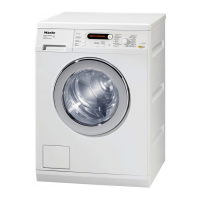
Control panel
b “I-ON / 0-OFF” button
To switch the machine ON or OFF or
to interrupt a programme.
c “Door” button
Opens the machine door.
d “START” button
Starts the wash programme
e Buttons for additional functions
The upper button is used to select
either the "Soak", "pre-wash" or "Short
wash" additional option.
The lower button is used to select
the additional option "Water plus".
Indicator light on = selected
Indicator light off = not selected
f “Spin” button
For spin speed, Rinse hold and With-
out final spin
g Indicator lights
Showing the selected spin speed.
h Programme selector
Can be turned clockwise and anti-
clockwise.
i Programme sequence indicator
lights
j Check lights
Guide to the machine
7



 To Next Page