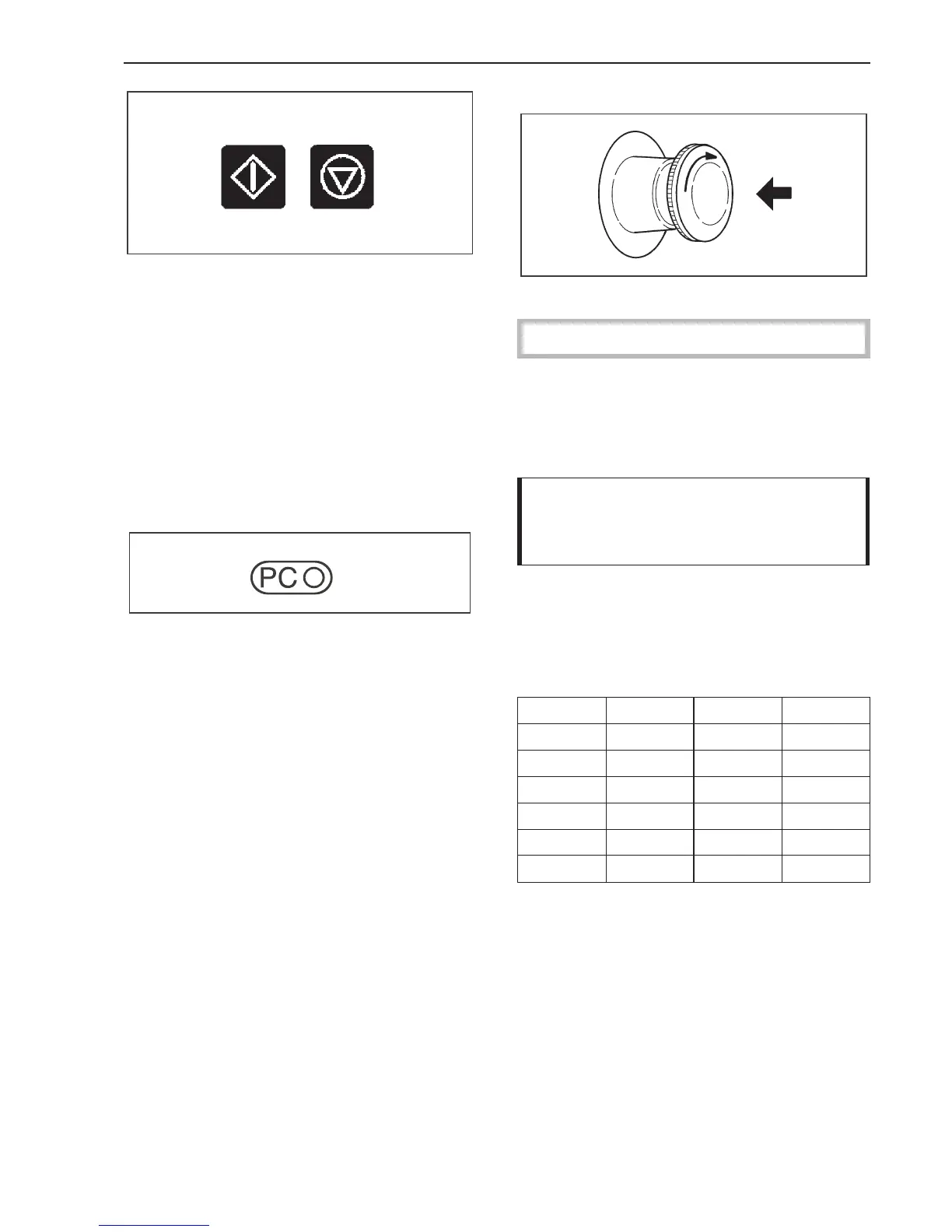
X "Start"
Press this button to start the selected pro
-
gram.
7 "End"
Press this button to stop a program. Immedi
-
ately press once again to terminate a pro
-
gram. A stopped program can be restarted
by pressing the Start button.
9 Optic interface
Data transfer to and from the machine’s con-
trols and a PC can take place using relevant
software. The optic interface on the machi-
ne’s control panel provides the connection
point.
Emergency Stop Switch
Only to be used in an emergency.
The switch can be reset by turning the rib
-
bed disc clockwise.
After resetting the following appears in the
display:
PROGRAMME 1 COTTONS
PROGRAMME STOP
THROUGH POWER CUT
Please press the Start button.
^ Press X "Start" to continue the program.
Conversion of °C to °F
°C °F °C °F
10 50 70 158
20 68 80 176
30 86 90 194
40 104 100 212
50 122 110 230
60 140 120 248
Guide to the washer-extractor
11



 To Next Page