Standby Q
To save energy, the display goes out
after 10 minutes and the indicator
light for the
Start/Stop
button will start
flashing slowly.
There are two options:
On
Standby is activated:
–
if a programme is not selected after
the machine has been switched on.
–
after a programme has started.
– at the end of a programme.
Not in current Prog.
(the machine is
delivered with this option selected)
Standby is activated:
– if a programme is not selected after
the machine has been switched on.
– at the end of a programme.
Pressing one of the buttons switches
the display back on again.
A tick will appear beside the option to
show that it has been set.
Memory V
If an extra option has been selected
for a programme, or the
recommended spin speed has been
altered, the machine will store the
changes in memory at the start of a
programme.
When this programme is chosen again
these settings will appear in the display.
The machine is delivered with the
memory function deactivated.
A tick will appear beside the option to
show that it has been set.
Set extended cool-down
The cooling down phase which takes
place before the end of a programme
can be lengthened if required. This
makes the garments easier to
handle.
The cooling down phase can be
lengthened from 0 min (standard
cooling down phase = default setting)
to 18 minutes.
The programme duration will increase
accordingly.
To close the Settings menu
C
Back A
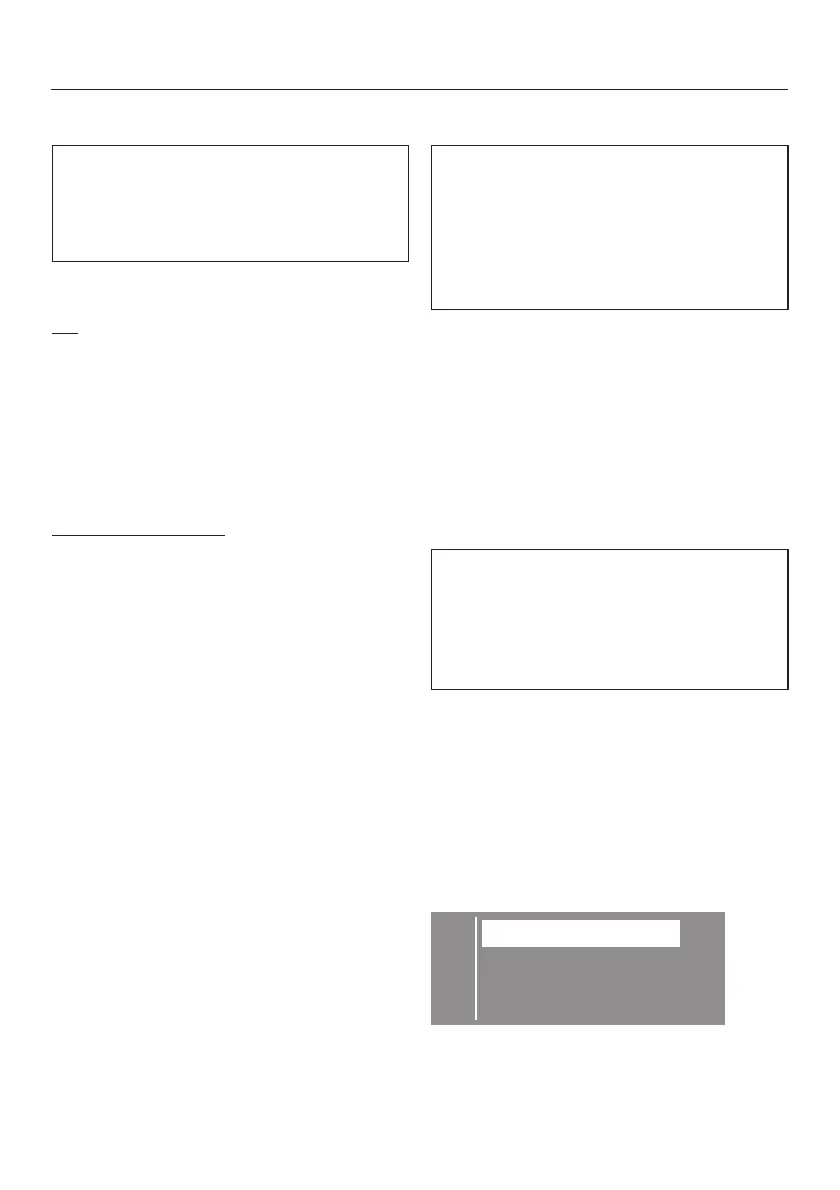
LanguageF
Time . . . H
^
Select
Back
and confirm your
selection.
Settings menu J
80





 To Next Page