TECHNICAL DATA
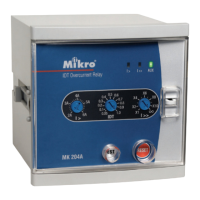
1. Current and Time Adjustments
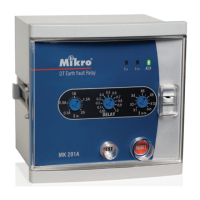
Earth-fault Low-set Current (l>) Adjustment
• This adjustment is for setting the minimum earth-fault current for tripping. If the
measured current exceeds this threshold value, tripping starts. After a prefixed
delay time determined by the DELAY adjustment, the trip contacts will be activated.
• The setting range is from 0.1A to 2A.
Earth-fault High-set Current (l>>) Adjustment
• This adjustment is for setting the instantaneous tripping current due to an earth-fault.
• The setting range is from 1x to 10x of the earth-fault low-set setting value.
l>> = a x l>, a = 1 to 10
• This high-set feature can be disabled by setting the tripping current to infinity ( ' )
Time Delay (DELAY) Adjustment
• This time delay setting is for setting the delay time from the start of the earth-fault
low-set tripping to actual tripping of the relay contact.
• The setting range is from 0.05 sec to 1.0 sec.
2. Light Indicators
The light indicators display the status of the system.
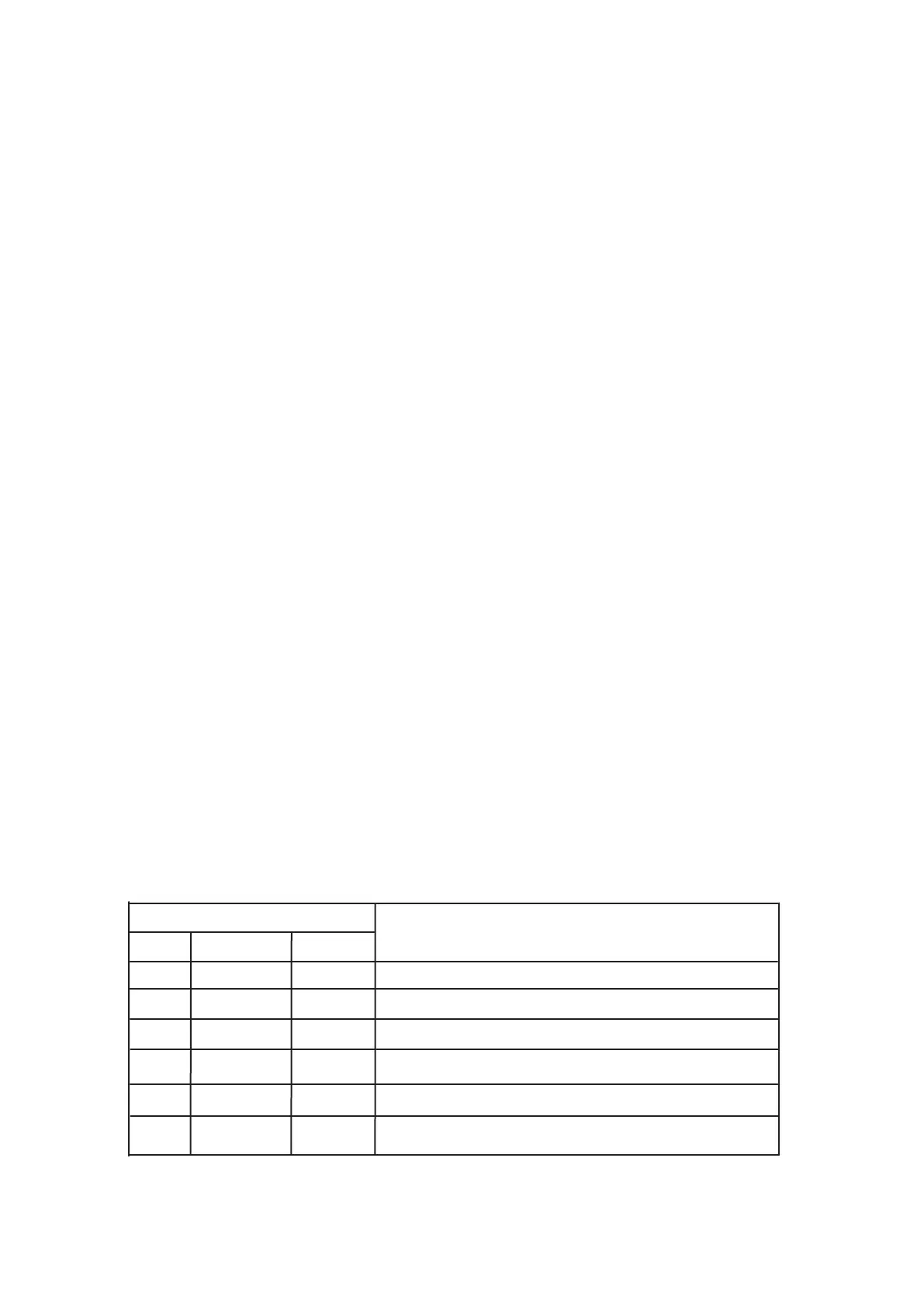
Indicator
AUX l> l>> Status
Off Off Off No auxiliary power supply.
On Off Off System normal mode. No tripping.
On On Off
Earth-fault low-set start.
On
Blink
Off
Earth-fault low-set tripped.
Earth-fault high-set start.


 To Next Page