Comparing Changes
During the course of editing presets, you may find that you want to compare the edited version of the preset to the original, stored version.
Fortunately, your Millennium provides you with a compare function.
To compare an edited preset with the original stored version, do the following:
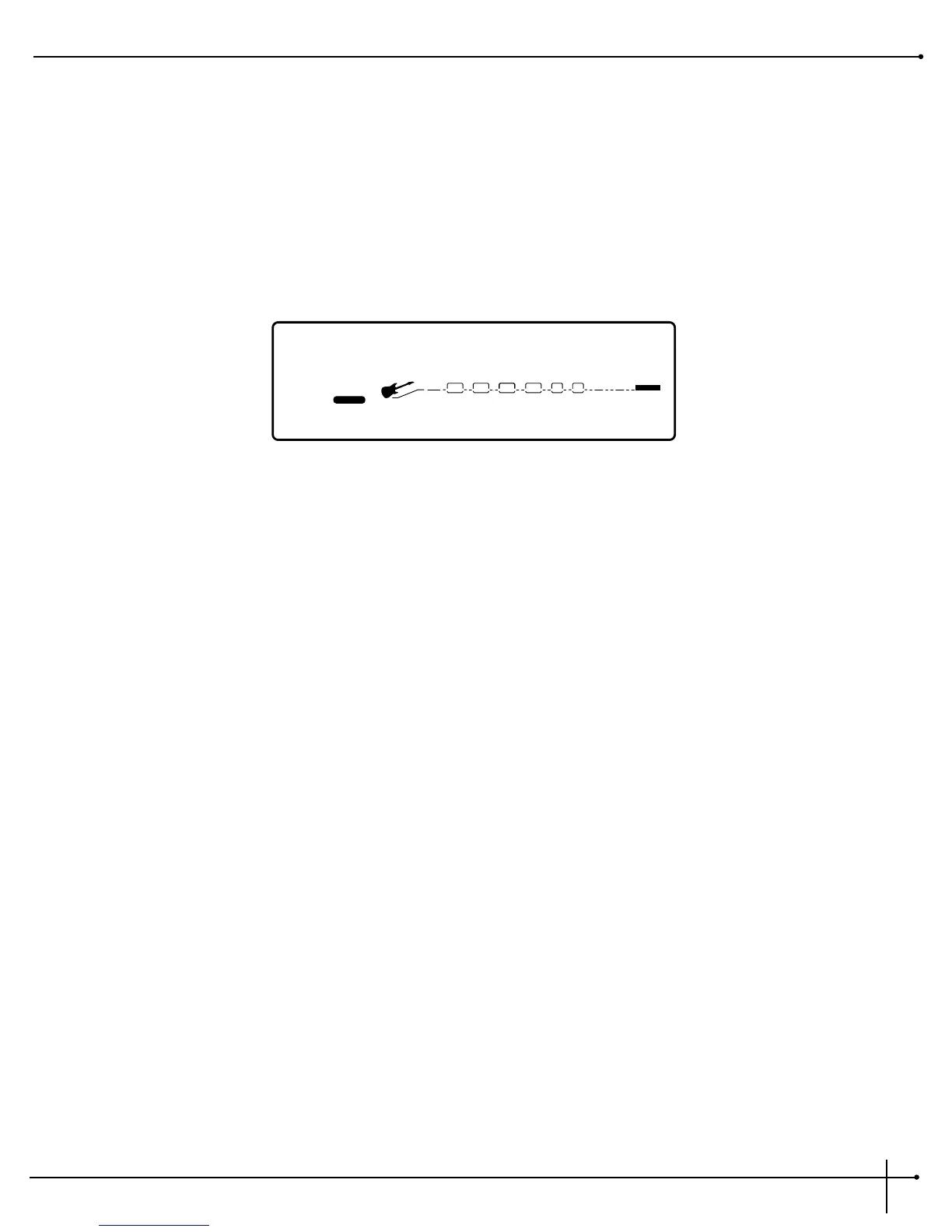
1. While in FX Edit mode, press the <Edit> button once. The top line of the display reads:
When this message is displayed, the stored preset is temporarily loaded and active.
2. To return to the edited version, press the <Edit> button to get back to FX Edit Mode.


 To Next Page