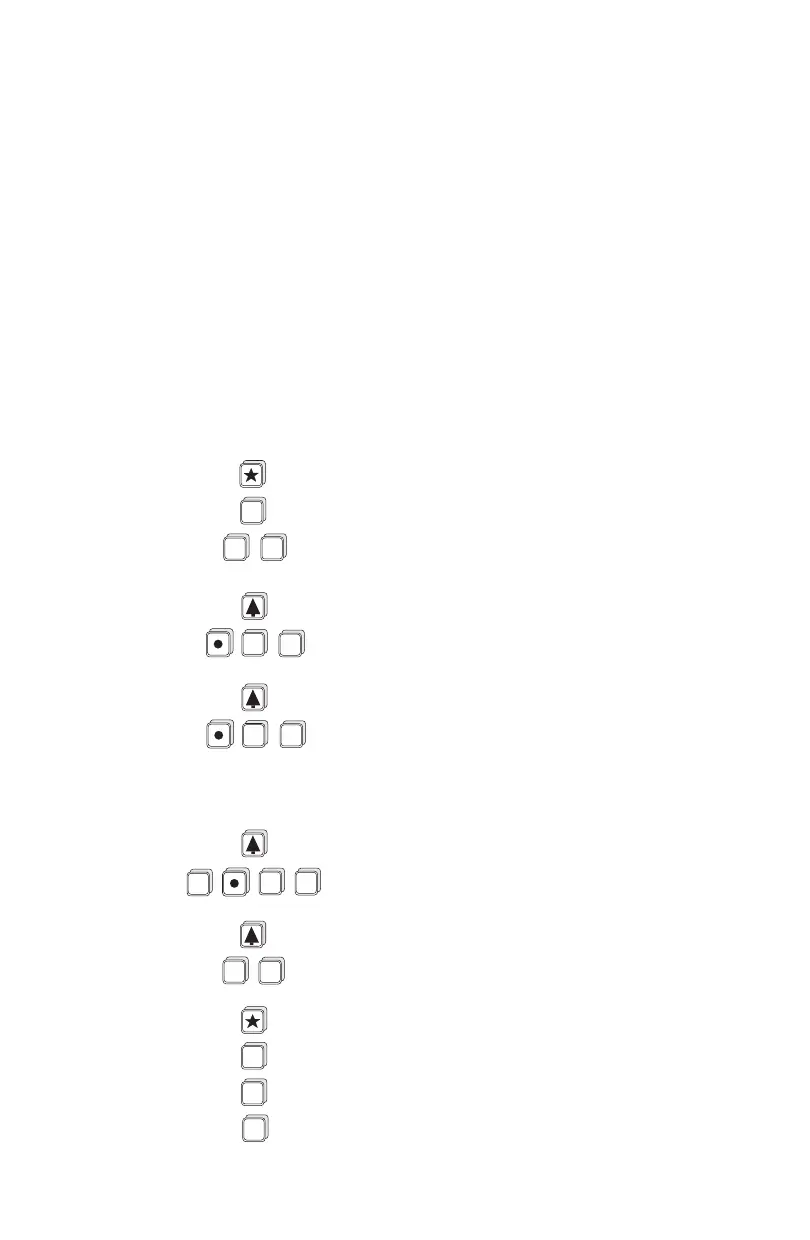
select :
P-1 enter option "3", units in feet
advance to:
P-2 enter option "5", OCM
P-3 enter "4", empty distance to transducer
P-4 enter "3", span
P-5 enter "1", near blanking distance
P-39 enter option "4", display flowrate
P-40 enter option "4", universal head vs flow
press display will show
H - 1
- - - -
0.0 0 0
H - 2
(then)
- - - -
0.3 0 0
H - 3
(then)
- - - -
0.6 0 0
H - 10
(then)
- - - -
2.7 0 0
H - 11
(then)
- - - -
3.0 0 0
F - 11
(then)
- - - -
F - 11
F - 1
- - - -
ALT
DISP
0
ENTER
2
ENTER
3
ENTER
ENTER
6
7
ALT
DISP
1
3
ENTER
» » »
ALT
DISP
PL-513 76



 To Next Page