page 9
Electric Brake
The electric brake engages when the trigger is released, causing the
blade to stop and allowing you to proceed with your work. Generally the
saw blade stops in four to five seconds. However, there may be a delay
between the time the trigger is released and the time the brake engages.
Occasionally the brake may miss completely. If the brake misses fre-
quently, the saw needs servicing by an authorized MILWAUKEE ser-
vice station. The brake is not a substitute for the guards, so it is essential
to always wait for the blade to stop completely before removing the
blade from the kerf. The correct brush grade must be used for proper
operation of the brake. Use only identical MILWAUKEE replacement
brushes when servicing the tool.
Cutting the Kerf Plate Slot
The tool is shipped with the kerf plate installed; never attempt to make a
cut without the plate installed. The kerf plate is NOT factory-cut, so the
first cut you make with the tool will be to create a kerf slot. Generally, it
is best to cut a kerf slot before cutting a workpiece.
When cutting a kerf slot, be sure to use the blade you intend to use for
your work since blades have different widths that affect the kerf. When
changing from a thick blade to a thinner one, you may want to purchase
a new kerf plate and cut a new kerf slot. Cut the kerf slot following the
procedure below.
1. Raise the saw head OVER the kerf plate WITHOUT cutting.
2. Start the motor. Wait a few seconds for the blade to reach full
speed.
3. Press down on the saw head. To help prevent damaging the kerf
plate, gently and slowly lower the saw head to the full depth of cut
(the point where the saw head will not lower any further). When the
cut is complete, release the trigger. WAIT FOR THE BLADE TO STOP
COMPLETELY before gently raising the saw head.
4. Push saw through the cut.
Making a Cut
1. Plug in the tool.
2. Raise the saw head completely.
3. Select the desired angles following the steps in "Adjusting the Miter
Angle".
4. Place the workpiece on the turntable and line up the cut.
5. Support the workpiece using any of the methods described in
"Support the Workpiece Properly".
6. Start the motor. Wait a few seconds for the blade to reach full
speed. Then gently lower the saw head into the workpiece all the
way through the cut.
7. Always allow the saw to do the work. Forcing the tool may stall or
overheat the motor.
8. After the cut is complete, release the trigger and wait for the blade
to stop completely. Then gently raise the saw head and remove the
workpiece. Always unplug the tool before retrieving loose cut-off
pieces from inside the guard area.
Adjusting the Miter Angle
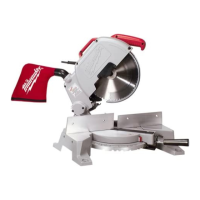
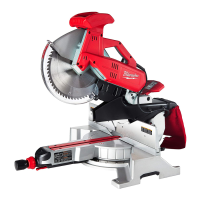
The miter mechanism on the MILWAUKEE Magnum
®
Miter Saw has
detent settings for commonly cut angles (0°, 15°, 22.5° 30°, and 45°).
These detents make for quick, accurate set up of common angles. In
addition to the spring-loaded detents there is also a detent override. The
detent override, when engaged, allows the turntable to smoothly rotate
to any miter angle. The turntable can be easily locked at any miter angle.
The detent override is especially useful when making small adjustments
near 0°, 15°, 22.5° 30°, and 45°.
The saw cuts miter angles from 51° on the left to 59° on the right. Angle
markings appear on the scale that runs along the perimeter of the base.
1. To select a positive angle stop, loosen the clamp handle.
Press the angle stop lever and rotate the turntable to the desired
angle.
Tighten the clamp handle.
2. To select other angles, use the override mechanism, which allows
quick and accurate adjustments at any angle.
Press the angle stop lever down and in with your thumb until the
lever engages with the lock lever. Rotate the turntable to the desired
angle. Tighten the clamp handle securely clockwise.
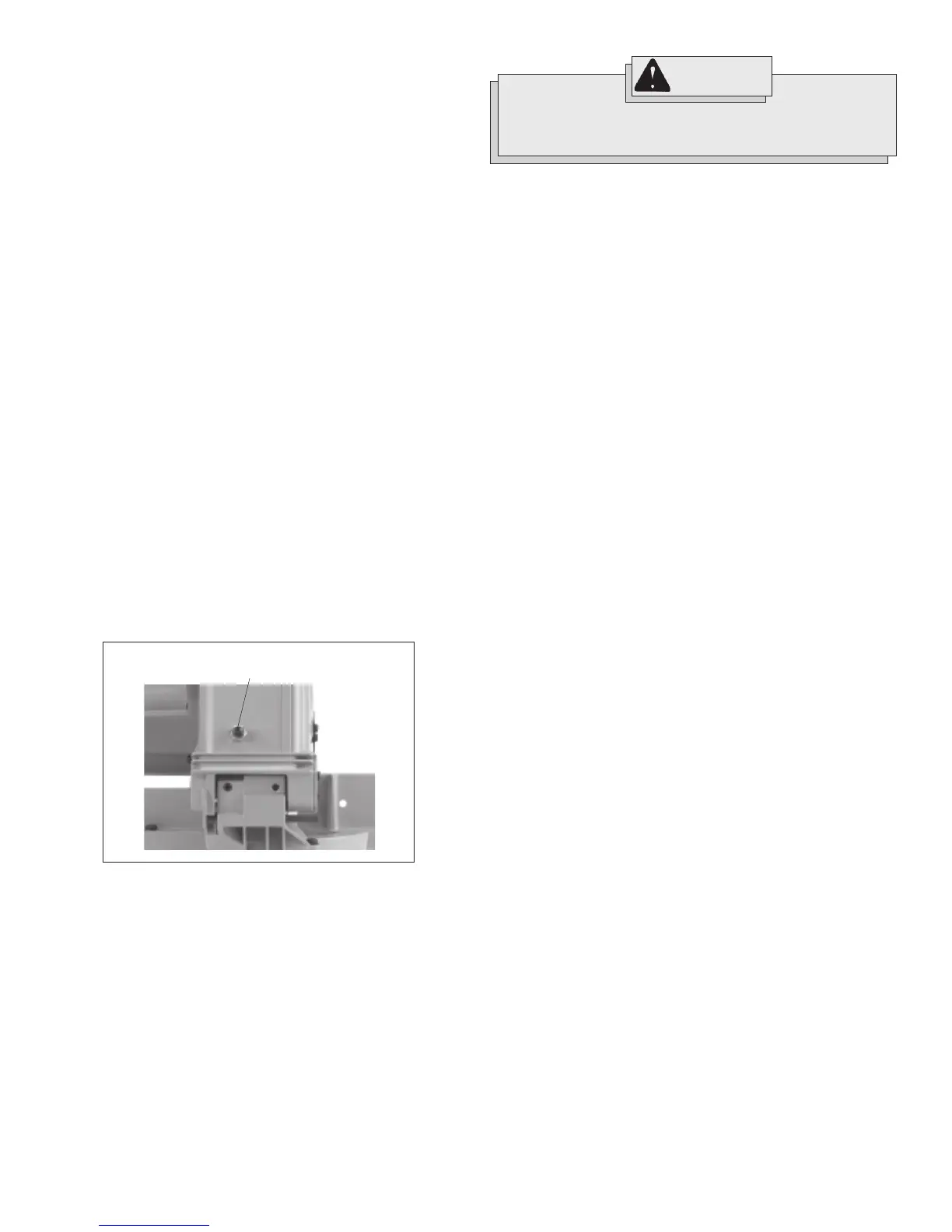
Adjusting the Depth of Cut (Fig. 5)
The depth of cut is adjusted at the factory. Sometimes it may be neces-
sary to readjust the depth. For example, as blades wear down and are
resharpened, you may wish to increase the depth of cut. When buying
a new blade, you may need to reduce the depth of cut.
1. Unplug the tool.
2. Loosen the lock nut by turning counterclockwise.
3. Slightly raise the saw head to reduce the depth of cut or slightly
lower the saw head to increase the depth of cut. Make only a
SLIGHT adjustment.
4. Securely tighten the lock nut.
5. Make a sample cut and adjust as necessary.
Starting and Stopping the Tool
Always hold the handle firmly because the starting and stopping action
of the motor may cause the handle to move up or down slightly. Always
secure the turntable by tightening the clamp handle when setting miter
angles. Always make sure the spindle lock is released so the blade is
free to rotate.
1. To start the motor, pull the trigger.
2. To stop the motor, release the trigger.
Fig. 5
Depth adjustment screw
with lock nut
WARNING!
To reduce the risk of injury, do not rely on the brake as a
safety feature. Always wait until the blade stops completely
before allowing anything near the blade.


 To Next Page
 Loading...